 AR try-on for rug stores
Show shoppers the rug on their own floor, at true size.
A rug is easy to love in a styled photo and hard to judge in a real room. Vizbl puts the exact rug, in the size they picked, into their room: a preset interior, a photo of their own room, or AR on the phone. Built from the top-down photos you already have.
- “Will the 8×10 fit under the sofa?”They see it at true size on their own floor, with the furniture in place.
- “Is the pattern too much for my room?”They upload one photo of the room and see the rug in it, in their light.
Pick a rug. See it in a room right now.
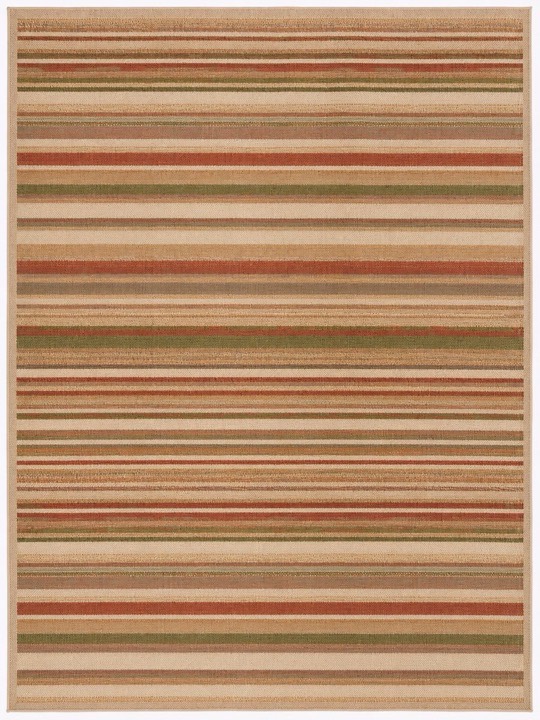
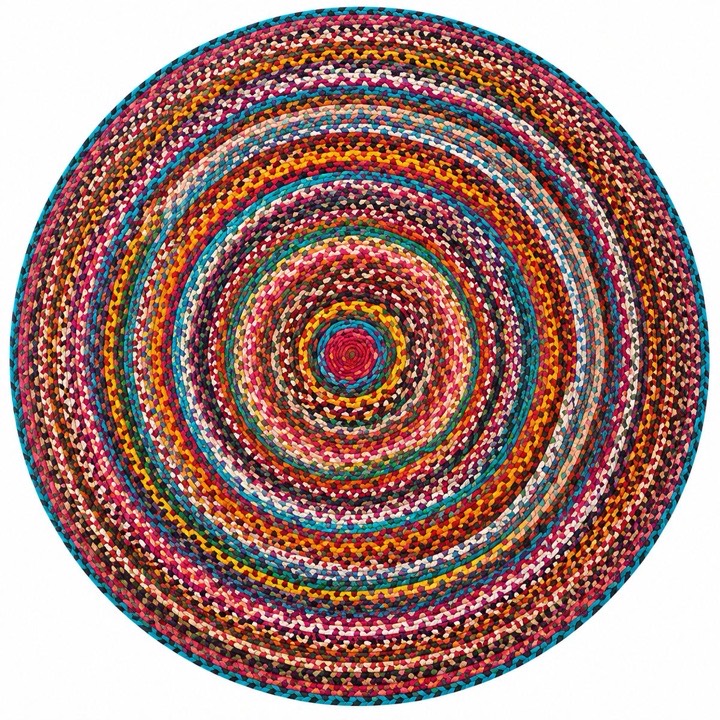
Five rugs from a sample store, five shapes. Tap one: it opens in a living room straight away, and from there you switch rooms or upload a photo of your own. This is the widget your shoppers get on the product page.
On a laptop, and on the real floor.
Most rug shopping happens on a laptop, so the widget works there in full: preset interiors and a photo of their own room. On the phone it also puts the rug on the real floor.
Two taps from “will it fit?” to “add to cart”.
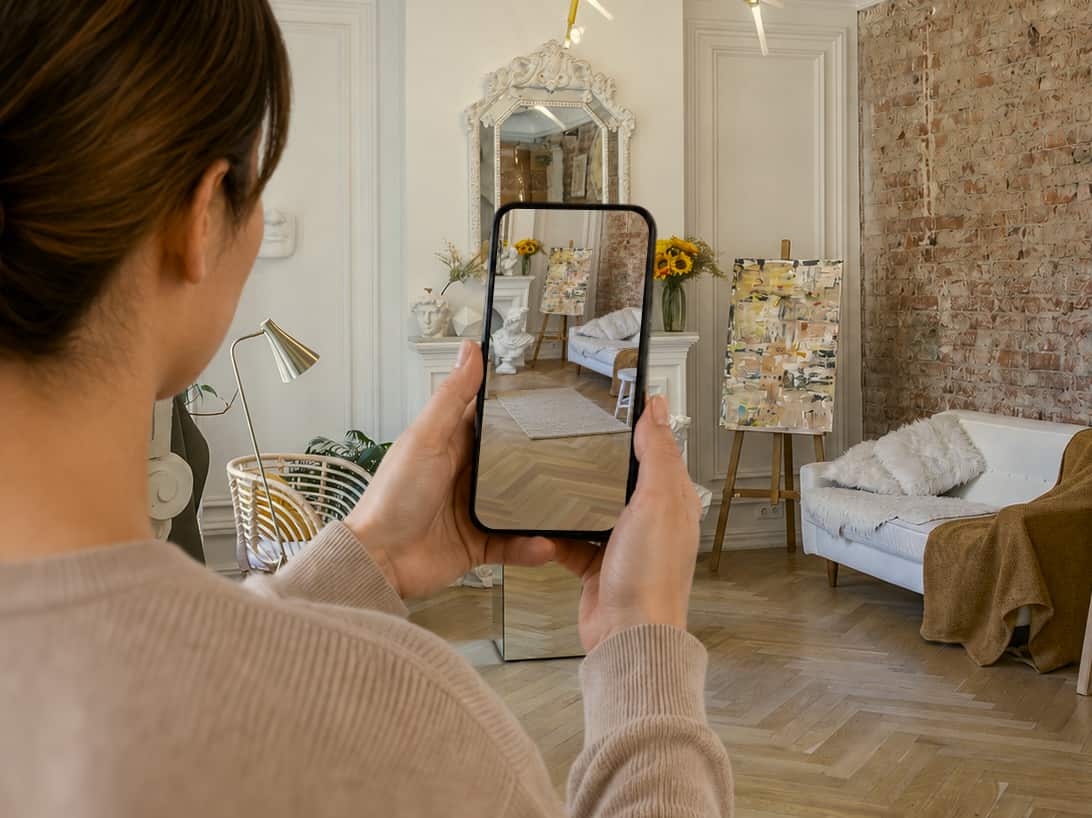 1Tap “Try in my room”
The rug appears on their floor at true size, or in a photo of the room. From the product page, on any device, with nothing to install.
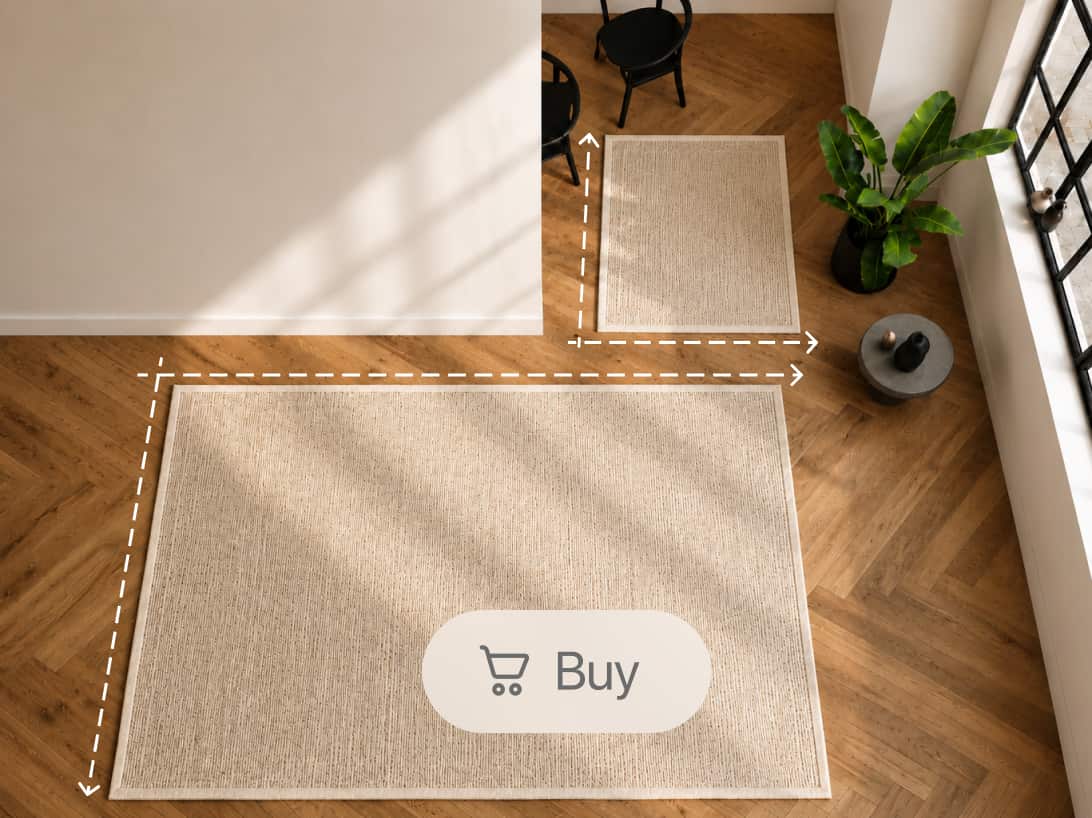 2Switch sizes until it fits. Add to cart.
The 5×8 and the 8×10 under their own sofa, one after the other. The size they order is the size that works, so it stays in the room.
Launches from the catalog you already have.
You send a store link or a product feed. Our team builds a try-on for every rug, size and colorway, and you add one script and one button to the product page.
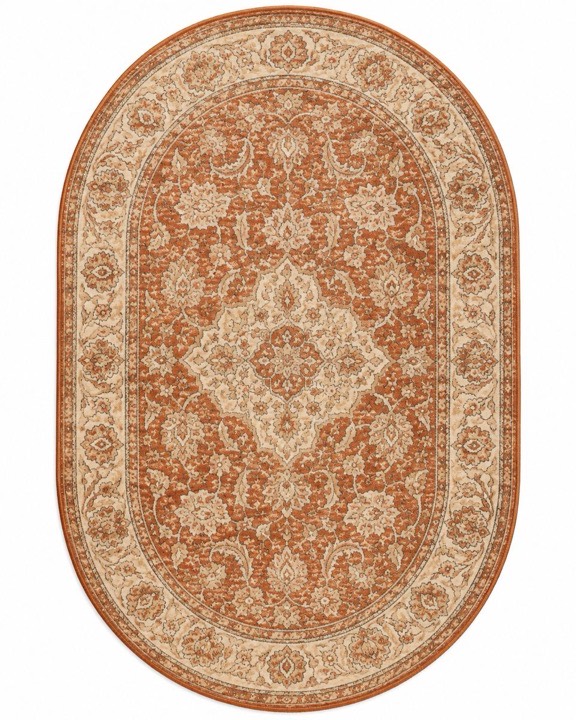
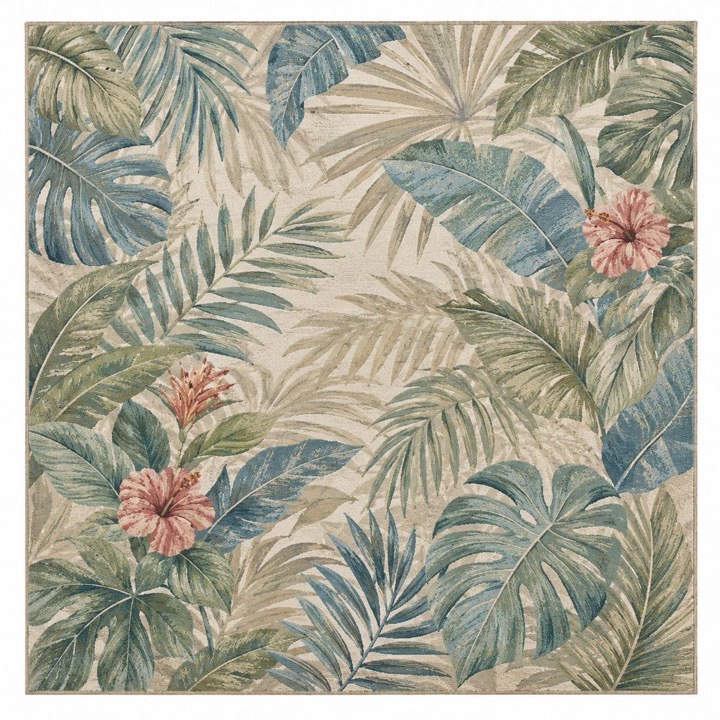
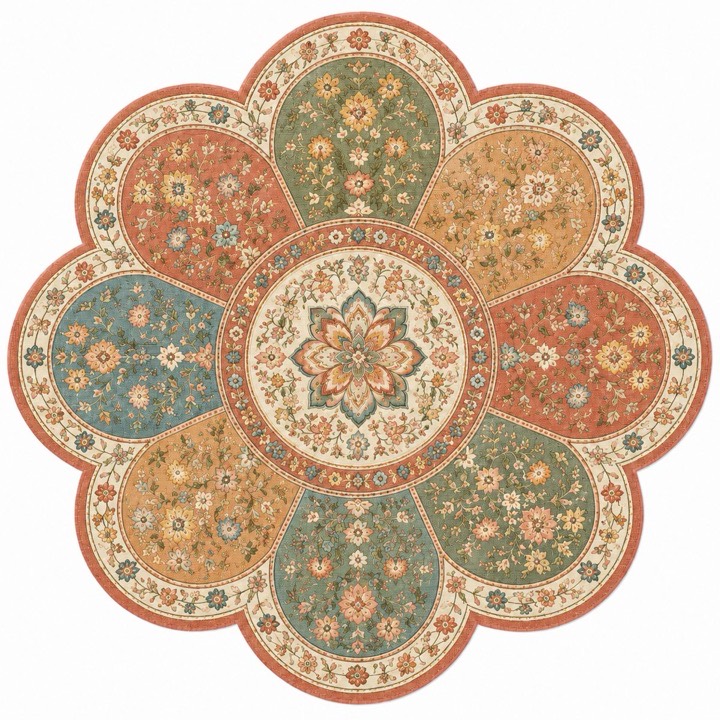 +9,995
Every “but” has the same answer: you already have what it takes.
- “We don’t have 3D models.”You don’t need them. The try-on is built from the top-down photo and the dimensions of each size.
- “Every rug comes in eight sizes.”Every size gets its own try-on, and the shopper switches between them without leaving the room.
- “Half of ours are round or cut to shape.”Round, oval, runners, flower cut-outs: the outline comes from the photo, so any shape works.
- “Shoppers won’t install an app.”There is no app. It opens from a button on the product page, in the browser, on a laptop or a phone.
- “We’re on Shopify.” “We’re on a custom build.”One script tag and one button per product page, on Shopify, WooCommerce, Wix, Webflow or anything custom.
- “We’re not ready to commit.”Start with 100 of your rugs, free. No card, no contract. Scale when the product-page numbers say so.
Before the call
Does a rug visualizer reduce returns?
It closes the expectation gap before the rug ships. Shoppers check the size, the color direction, the pattern density and the room fit on their own floor, and the size they order is the one that fit. In AR shopping research reported by Retail Dive, two in three consumers said they are less likely to return a product after using an AR feature.
What do you need from us to start?
A store link or a product feed. Our team builds the try-on catalog from the top-down photo and the dimensions of each size, which your catalog already has. Cleaner photos make a cleaner preview, especially for pattern detail, pile and edges.
Does it work on a laptop, or only on a phone?
Both. On a laptop the shopper sees the rug in preset interiors and in a photo of their own room. On a phone they also get AR on the real floor. Nothing to install in either case.
Does it work on Shopify and on custom stores?
Yes: Shopify, WooCommerce, BigCommerce, Wix, Squarespace, Webflow and custom storefronts, through one script tag site-wide and one button per product page. Installing it takes about half an hour, and we help if you get stuck.
Can we start with a small pilot?
Yes, and that is how most stores start: bestsellers, premium rugs or the SKUs where shoppers hesitate most over size or room fit. The first 100 rugs are set up free, with no card and no contract. Then you scale on real product-page data.
What do we learn from the try-on sessions?
Which rugs shoppers try, which sizes and colorways they compare, how often the try-on opens, and where it sits in the path to purchase. Merchandising teams use it to decide what to photograph next and which sizes to stock.