
AR visualization software for product pages
Let shoppers see your product at true scale in their own room, from your product page, in the browser on iPhone and Android. No app to install, one script and one button on any store.
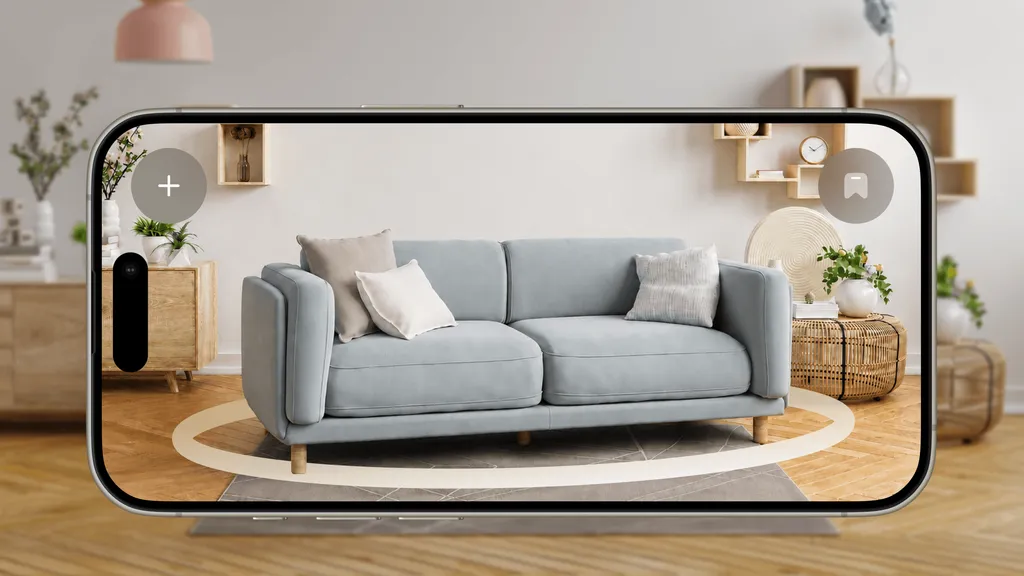
True scale in the shopper’s room
The model is placed through the camera at its real dimensions. “Will it fit?” is answered on the product page, not after delivery.
Works without an app
WebAR in Safari and Chrome. The shopper taps the button on your page; nothing to download, nothing to update.
One model, every channel
The same model powers the embedded 3D viewer, the AR button, a shareable AR link and a printable QR code for catalogs and showrooms.
Check it out on your phone
Open any object below on a phone and tap “View in AR” to place it in your room
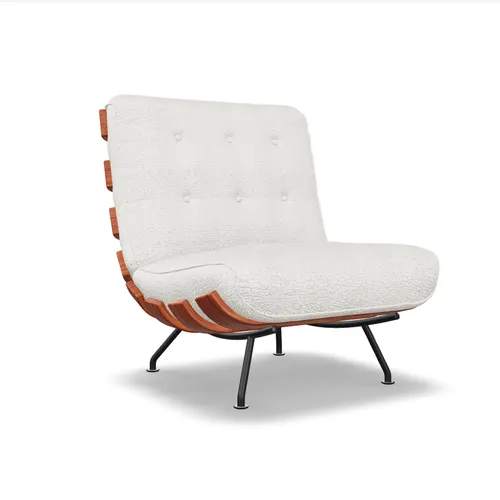
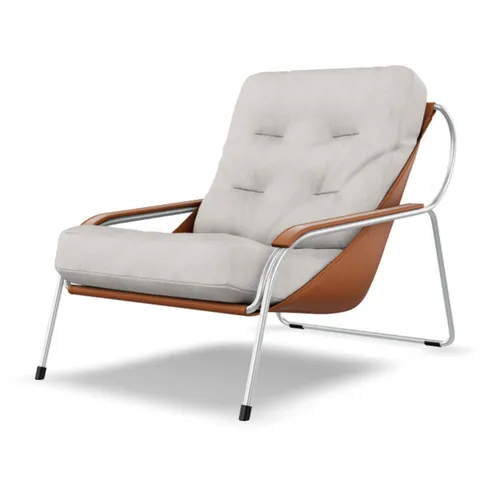
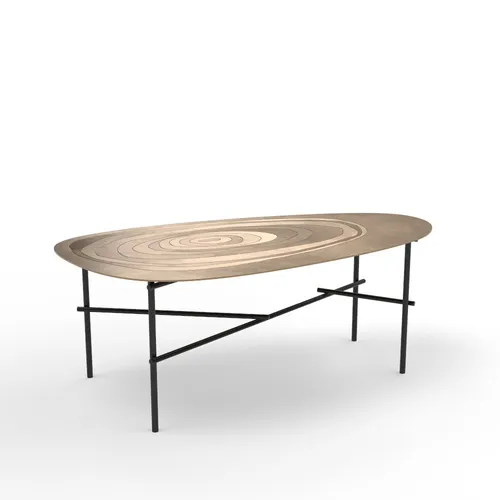
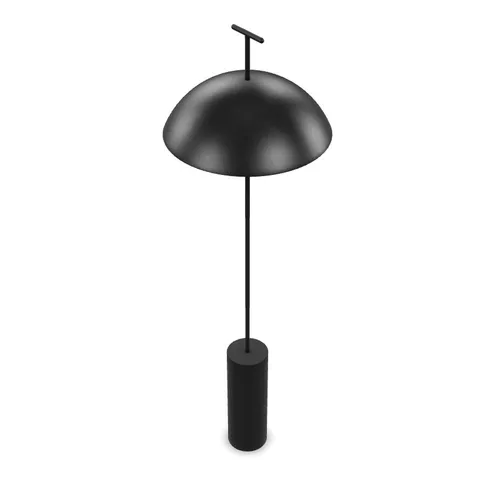

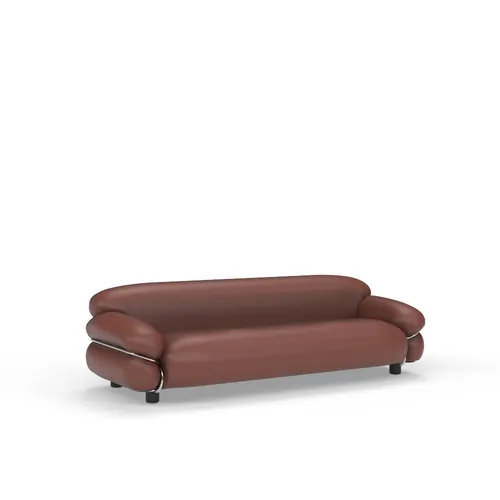
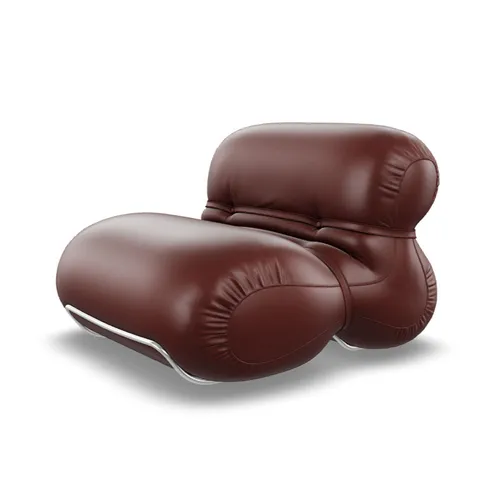
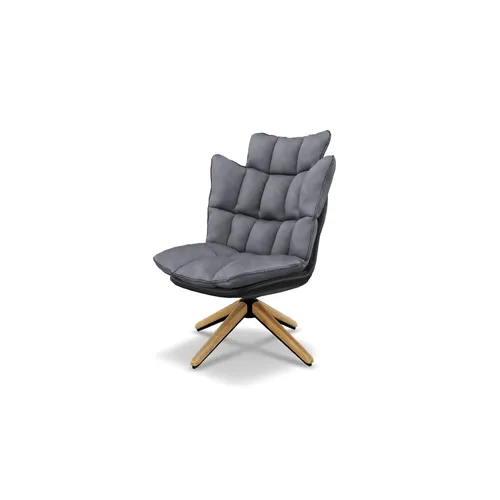
How the AR viewer gets onto your product page
Three steps in the Core AR workspace; about half an hour for the first product.
Upload or make the 3D model
GLB, GLTF, USDZ, FBX, OBJ or ZIP up to 100 MB; convert CAD files in the built-in converter; or generate a model from photos with Photo to 3D.
Pick an integration type
Embedded 3D viewer, 3D & AR viewer, direct AR view, multi-item AR or QR code. The code is generated with your model and variant filled in.
Add it to your store
One script in the site header, one button per product page: WordPress, WooCommerce, BigCommerce, Wix, Webflow or a custom site. On Shopify, install the Vizbl app instead.
What to look for in AR visualization software
The tools in this category differ less in the AR itself than in what surrounds it: how the model gets on the page, what the shopper has to do to see it, and what it costs per view. These are the questions that decide whether AR is used on a hundred products or sits on one demo page.
- Browser, not app. Every extra step before the camera opens loses shoppers. Vizbl runs in Safari and Chrome on the phone the shopper already holds.
- True dimensions. AR is only useful for “will it fit?” if the model is placed at its real size. Vizbl reads the dimensions from the model and can show them in inches or centimetres in the viewer.
- Variants. Colour and size options should switch inside the viewer and inside AR, so the shopper compares the walnut and the oak table in their own room.
- More than one object. Furniture and lighting are bought as sets. Multi-item AR places several products in one scene.
- A way to get models. Upload what you have, convert CAD, generate from photos with Photo to 3D, or order from the modeling team. Rugs, flooring and wall art need no 3D model at all.
- Pricing that follows use. Vizbl charges tokens only when a shopper opens AR; the embedded 3D viewer is free, and every new account starts with 1,000 free tokens.
- Works where you sell. Script and button for any site, a Shopify app, an MCP server and API for teams that automate their catalog.
For a product-by-product view see Core AR & 3D; for industries, the pages for furniture, lighting, fireplaces and vending.
Questions about the AR viewer
What is AR visualization software?
Software that places a 3D model of a product into the shopper’s real surroundings through the phone camera, at the product’s real dimensions, so they can judge size, fit and look before buying. Vizbl’s AR viewer does this in the mobile browser: the shopper taps a button on your product page, points the phone at the floor or wall and sees the product there. On desktop the same button opens an interactive 3D viewer.
How is the AR viewer different from the 3D viewer?
The 3D viewer lets a shopper rotate and zoom the model on your page and is free on every plan. The AR viewer adds “View in your room”: the model is placed in the real space through the camera. Both are driven by the same model, the same script and the same button; which one opens depends on the integration type you pick and on the shopper’s device.
Do customers need to download an app?
No. Vizbl uses WebAR: the AR experience loads in the regular browser on iPhone (Safari) and Android (Chrome). Nothing to install, nothing to update.
How do I add AR visualization to my store?
Upload your 3D model to the Core AR workspace (GLB, GLTF, USDZ, FBX, OBJ or ZIP up to 100 MB), open Integration on the model and copy two snippets: a script for your site’s <head> and a button element for the product page. On Shopify the Vizbl app does it without code. You also get an AR link and a QR code for catalogs, emails and showrooms. Details: integrations.
Can several products be placed in one AR session?
Yes. The Advanced AR integration lets the shopper place more than one product in the same scene, for example a sofa, a coffee table and a floor lamp together, and switch colour or size variants without leaving AR.
Can you create a 3D model for me?
Yes. Upload a few product photos to Photo to 3D and get a model in about 15 minutes, or order an optimized model from our 3D modeling team. Rugs, flooring and wall art need no 3D model at all.
What does the AR viewer cost?
Every new account starts with 1,000 free tokens, no card required. Showing a product in the embedded 3D viewer is free; tokens are spent only when a shopper opens the product in AR. There is no subscription requirement and tokens never expire; current rates are on the pricing page.
See your own products in AR
Every new account starts with 1,000 free tokens. No card, nothing for your shoppers to install.