
Start free — every new account includes 1,000 tokens.
Upload standard 3D model files such as OBJ and FBX.
Don’t have your own 3D models? We can create them for you!
Step #2 – Explore Platform Options
3D-viewer
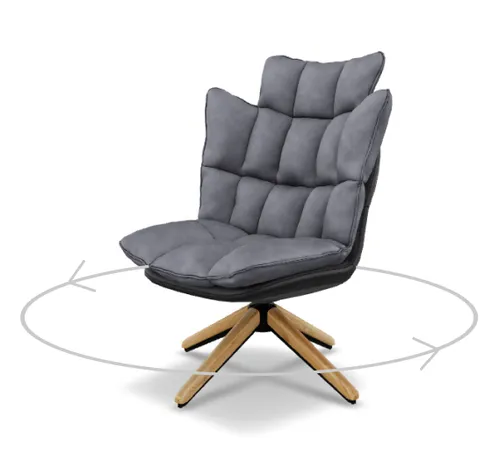
Embedded viewer
Let customers interact with the product in 3D directly on your website, giving them a complete view from all angles.
How to install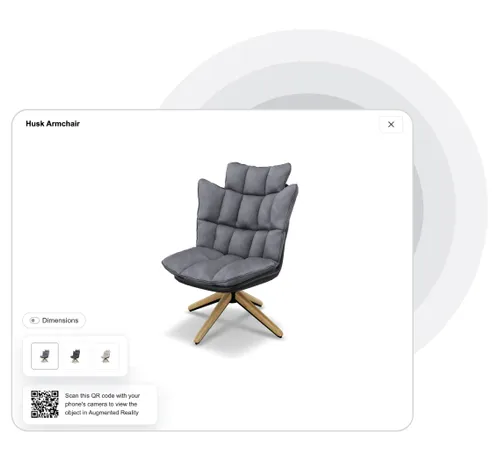
Modal viewer
Offers additional features like color selection, size display, and augmented reality integration for a more dynamic product experience.
How to installAugmented Reality fitting
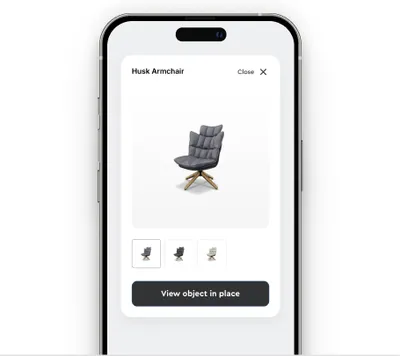
Redirect page
The simplest and quickest way to showcase AR. Just add a link, and users can view the product instantly.
How to install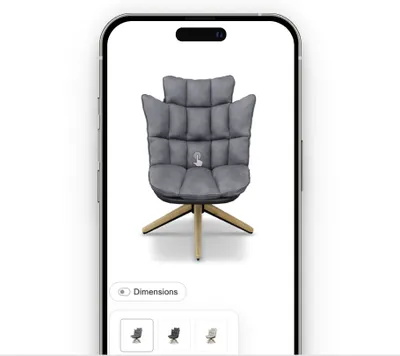
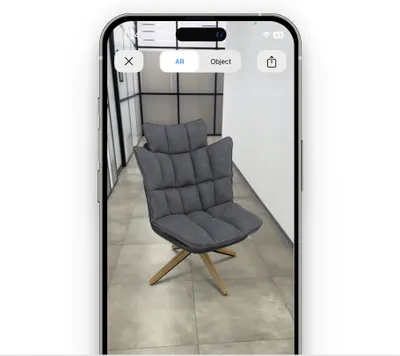
One-click variant
Instantly launch an augmented reality view with a single click for maximum convenience.
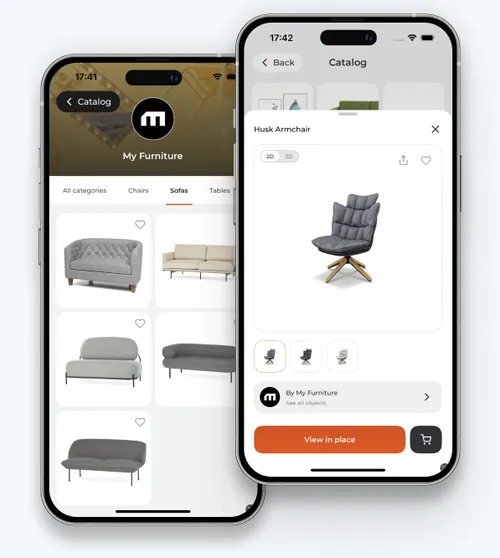
Enhanced Viewing Options with App Clip and Play Instant Technologies
– Real-time color selection
– View multiple objects simultaneously
– Browse a catalog organized by categories
– Save favorites
– View multiple objects simultaneously
– Browse a catalog organized by categories
– Save favorites
Get started with Vizbl
Leave your email, and we’ll send you exclusive insights on how AR can work for your business.