
3D & AR for ecommerce
Product visualization that actually converts
Shoppers see your product in their own room or on themselves before they buy, so more of them order and fewer send it back.
Free to start, no card required. Your first products go live for real shoppers.
Building the store? SDK, API and MCP for developers →
New · AI image to 3D
Make 3D models from your product photos
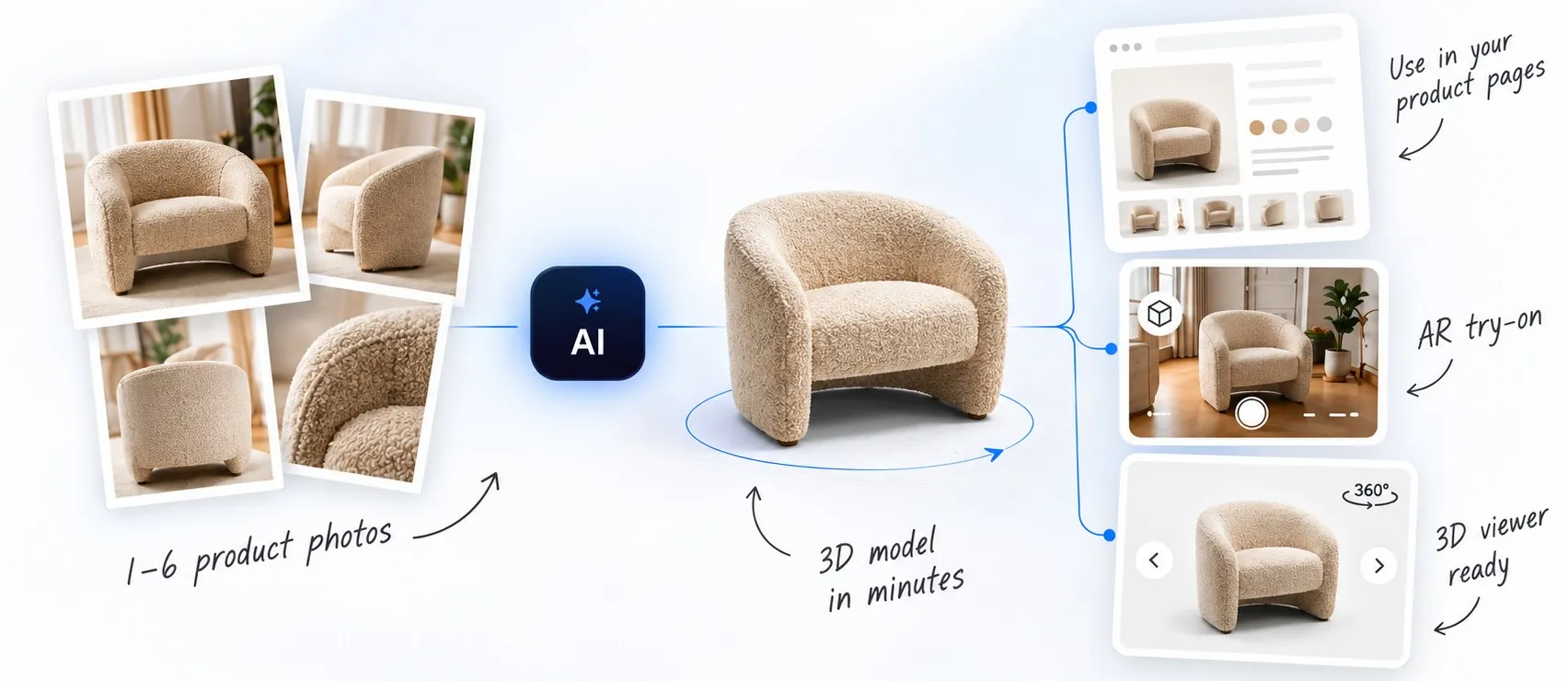
Upload a few product photos and get a 3D model in minutes. Use it on your product pages, in AR and in the 3D viewer.
1,000 free tokens when you sign up.
Industries
Find your industry
Each tile shows the Vizbl product that fits that kind of store. Most stores use two or three.


Live demo
Try it right on this page
Pick a product below. It opens the same widget your shoppers would use.
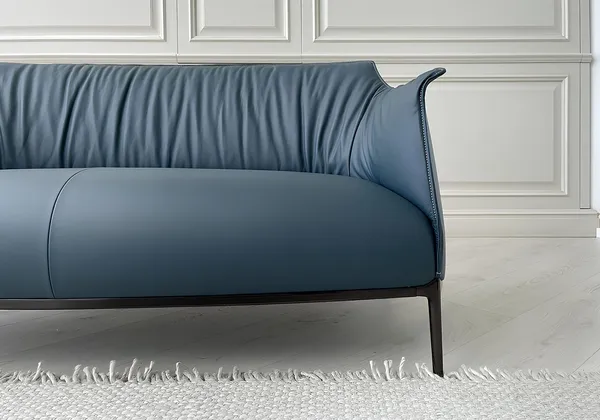
A 3D view and AR try-on for any product with a model. The full demo has eight objects and every integration mode.
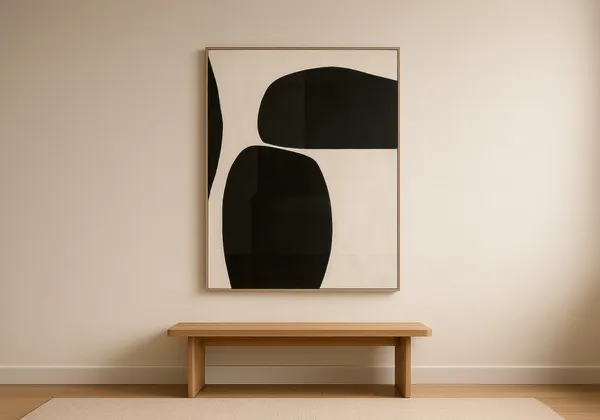
Posters and prints on the shopper’s wall, made from the flat images your store already has.
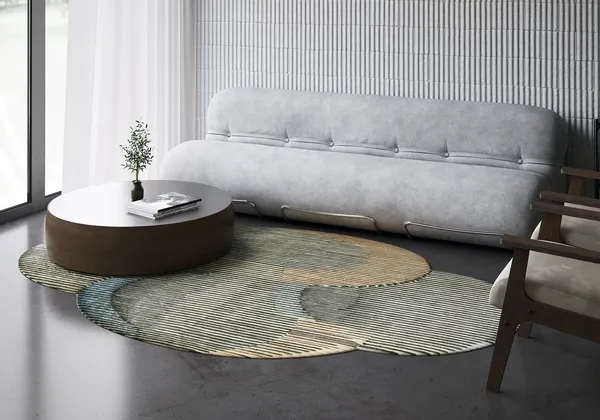
True-scale rugs from a top-down photo, shown in sample rooms, in a photo of the shopper’s room or in AR.
Hardwood, tile or stone laid wall to wall in a photo of the shopper’s room.
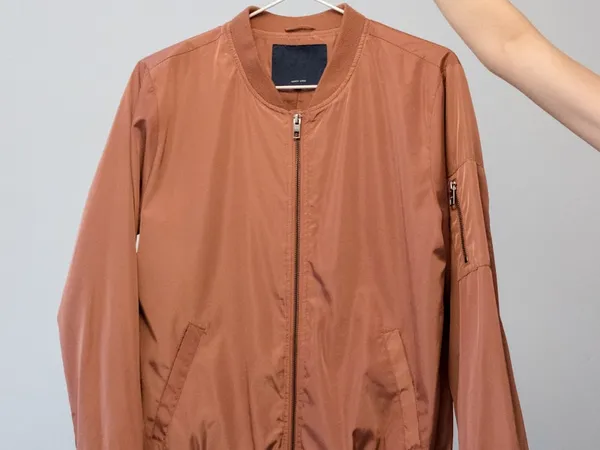
Shoppers see clothing, eyewear, jewelry and watches on their own photo.
Products
Pick what your catalog needs
Use one, or several if you sell different kinds of products.
 3D + AR
Core AR & 3D
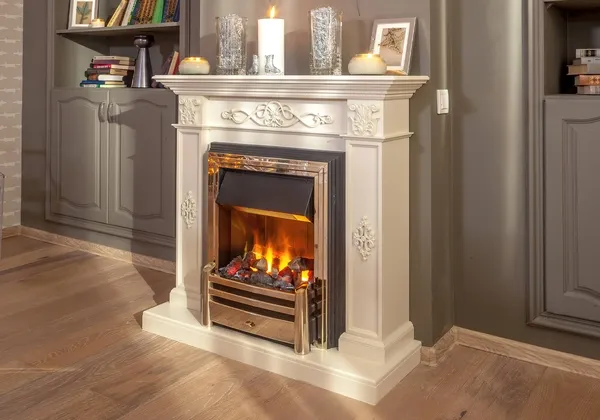
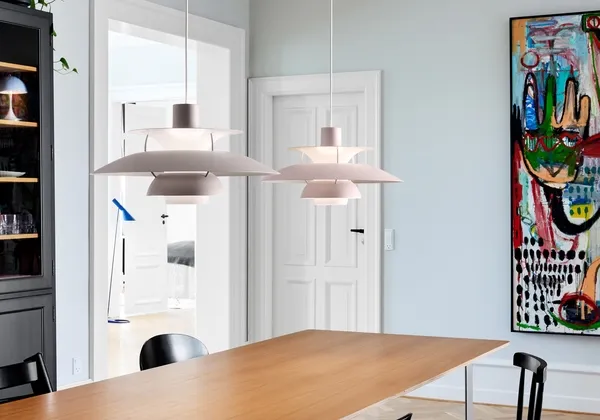
A 3D view and AR try-on for any product you have a model of: furniture, lighting, fireplaces, vending machines.
Learn more AI photo
AI Try-On
Shoppers see clothing, eyewear, jewelry and watches on their own photo.
Learn more Flat image
Rugs
A top-down product photo becomes a true-scale rug on the shopper’s floor.
Learn more Flat image
Flooring
Your parquet, laminate or tile laid wall to wall in a photo of the shopper’s room.
Learn more Flat image
Wall Art
Your poster images go on the shopper’s actual wall, with live size and frame switching.
Learn moreLaunch in days, with or without 3D models
Create an account
Your account comes with a starting balance. Pick the product that matches your catalog. Most stores start with their bestsellers and the items shoppers think longest about.
Add your products
Upload the 3D models you already have, or make them from photos right in the account. Rugs, flooring, wall art, and try-on work straight from the images your store already has.
Add one script and a button
Add one script tag to the site and one button to each product page. It takes about half an hour on Shopify, WooCommerce, BigCommerce, Wix, Squarespace, Webflow or a custom build.
We can also do step two for you. Send your store link or a product list, and we’ll build the models from your photos and dimensions and load them, ready to publish.
Send us your list
One script tag works with any storefront


For developers
Building the store? Plug Vizbl in.
Web viewers for the room preview, 3D and AI try-on, native SDKs for iOS and Android, and an MCP server so Claude, Cursor and other AI agents can publish models and hand back embed codes. Works with Shopify, WooCommerce, BigCommerce and any custom or headless storefront.
claude mcp add --transport http vizbl https://mcp.vizbl.com/mcpRoom Viewer
Rugs, flooring and wall art in the shopper’s own room, right on the product page.
Model Viewer
Interactive 3D viewer with AR at true scale on any phone.
AI Try On
Jewelry, eyewear and accessories on the shopper’s own photo.
iOS SDK
Native AR for your iPhone and iPad apps.
Android SDK
Native AR for your Android apps.
MCP Connector
Let Claude, Cursor and other AI agents convert, publish and embed 3D models for you.
Pricing
Start free, pay only when a shopper tries it on
Browsing in 3D costs nothing, and every new account starts with 1,000 free tokens to spend on the first try-ons. You pay per use, not per seat. No subscription.
Use cases
Brands already running it
How these stores use Vizbl. Open a card for the full story.



Get in touch
Get Vizbl on your product pages this week
Send us your bestsellers. We’ll build them and show you the result in a live demo. No card or contract needed, and we reply within one business hour.