· AR · 9 min read
AR without an app: how virtual try-on works right on your website
How AR try-on runs on a website, where it already works, and three ways to add it to your store.
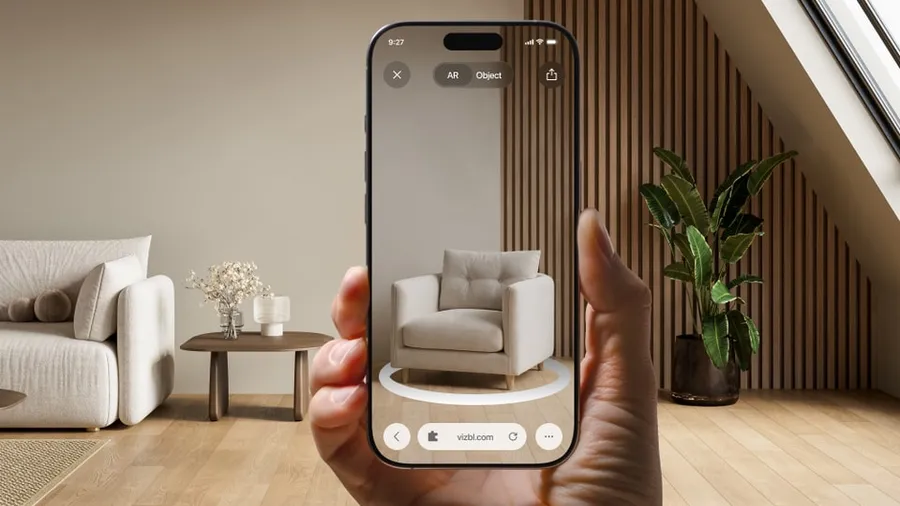
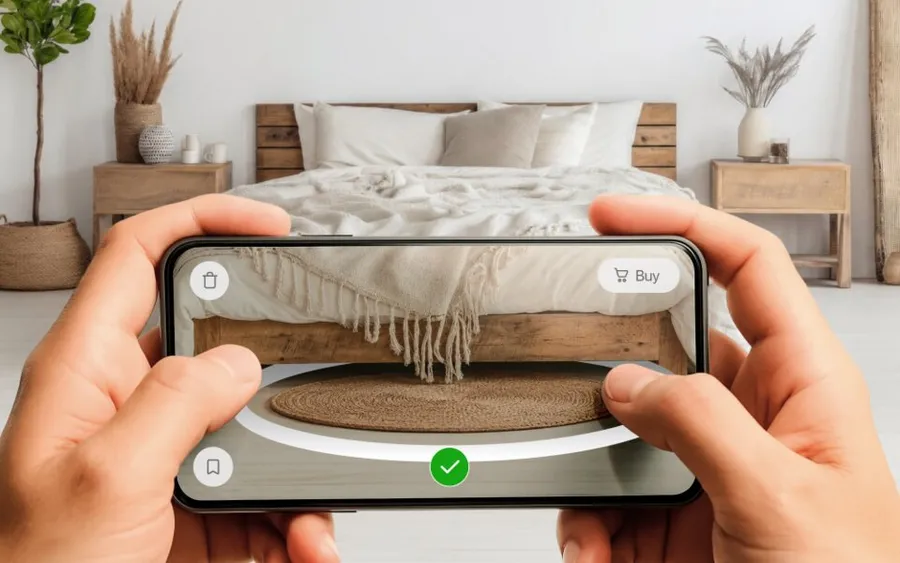
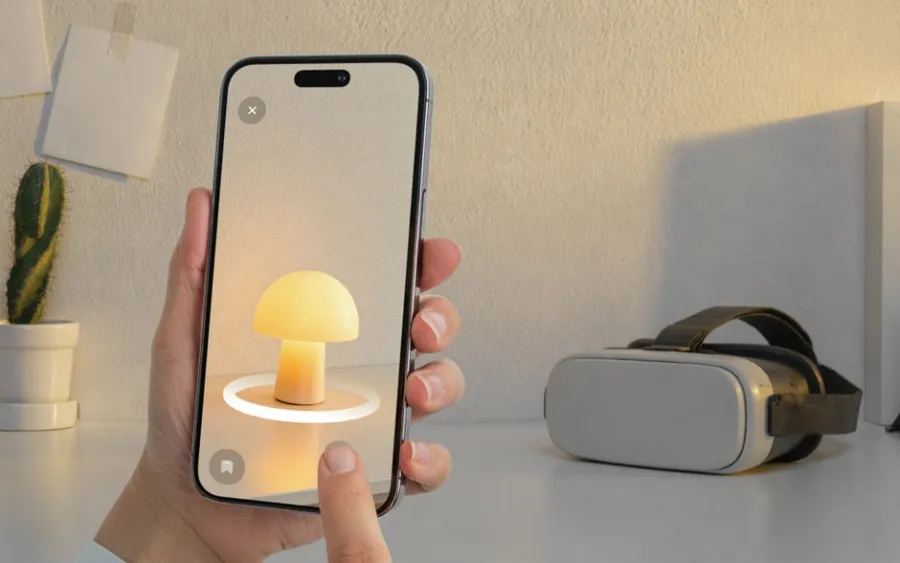
Yes, shoppers can see your products in AR right from your website, without installing anything. They tap a button on the product page, and the phone opens the camera with your product in the room — through the browser (WebAR), the AR viewer built into iOS and Android, or a mini-app that loads on the spot.
Big brands usually build AR into their own apps, so from the outside it can look like AR only works inside an app. For a smaller store, that path is hard to justify: only a small share of shoppers will install an app to see one sofa, while building and maintaining the app is a full-time project of its own. Without an app, the store doesn’t have to spend on ads to drive installs, and the shopper doesn’t have to decide whether to download anything.
Below: how each option works, which phones support it, which stores already use it, and how to add it to yours.
WebAR vs. app AR: how each option works
A store can show products in AR inside its own app or right from its website. On a website, there are three common ways to do it: in the phone’s browser (WebAR), through the viewers built into iOS and Android, or with a mini-app. AR platforms have usually tested all of them already and will suggest the one that fits your task.
AR in your own app
This is AR inside the store’s own mobile app, the way big retailers do it.
How it works: the app is built on Apple’s ARKit and Google’s ARCore — the AR engines inside the phone — and has full access to the camera and sensors. Models can be stored right in the app.
Pros:
- the most stable tracking and the widest set of features;
- can work offline and remember the shopper — saved items, sizes, past orders — which suits repeat customers.
Cons:
- the shopper has to find the app, install it, open it, and grant permissions before seeing a single product. Many drop off even at the last step: of the people who open a shopping app’s page in the US, 59% on the App Store and 81% on Google Play leave without installing it (AppTweak, 2025 data);
- you build and maintain two apps, for iOS and Android, pass app store review, and every update has to be downloaded by the shopper.
Browser-based AR (WebAR)
WebAR is AR that runs right in the phone’s browser — the shopper never leaves the web page.
How it works: the shopper opens a link — from the product page, a QR code, or an ad — and the page asks for camera access. The browser uses the phone’s AR engine to find the floor and places the 3D model in the camera view. Updates reach shoppers instantly, since there’s nothing to download.
Pros:
- opens straight from the product page, no extra steps;
- can support custom features for nearly any task.
Cons:
- support depends on the browser. Chrome on Android runs WebAR, but Safari on iPhone still doesn’t, so iPhone shoppers need a native viewer or a mini-app.
Native viewers
Native viewers are built into iOS and Android, so they’re already on your shoppers’ phones.
How it works: the site gives the phone a link to the model file — USDZ on iPhone, GLB on Android. The phone opens it in its own AR viewer, AR Quick Look on iPhone or Scene Viewer on Android, and the shopper returns to the page when done.
Pros:
- available on every iPhone and most Android phones;
- no performance issues.
Cons:
- only standard features — shoppers can’t pick another color or add a second object to the scene;
- floor, wall, and ceiling detection can struggle if the camera is poor, the room is dim, or surfaces look uniform — for example, when the floor and walls are the same color.
Mini-apps
A mini-app is the AR service’s own development: it works like a regular app but leaves nothing behind on the shopper’s device. There’s no trip to the app store — it loads from the website and just runs.
How it works: on iPhone, this is an App Clip — a small part of an app that iOS downloads when the shopper taps the AR button and confirms with one more tap. It runs on the same AR engine as full apps, and iOS removes it on its own later.
Pros:
- as fast and reliable as a native viewer;
- room for extra features;
- developers can improve on the built-in floor, wall, and ceiling detection.
Cons:
- iPhone only. Android had its own version, Google Play Instant, but Google shut it down in December 2025. That’s why providers combine technologies — a mini-app on iPhone and WebAR or a native viewer on Android.
All four, from the shopper’s side
| Own app | WebAR | Native viewer | Mini-app | |
|---|---|---|---|---|
| What the shopper does to see AR | Leaves your site, finds the app, installs it, opens it, allows the camera, finds the product again | Taps “View in AR”, allows the camera | Taps “View in AR” | Taps “View in AR”, confirms with one more tap |
| What stays on the phone afterward | The app, until they delete it | Nothing | Nothing | Nothing — iOS removes it on its own |
| Works on | iPhone and Android | Android, in Chrome | iPhone and most Android phones | iPhone |
| Color variants, several objects | Yes | Yes | No | Yes |
The first row decides whether shoppers try AR at all. Everything else is a question of features.
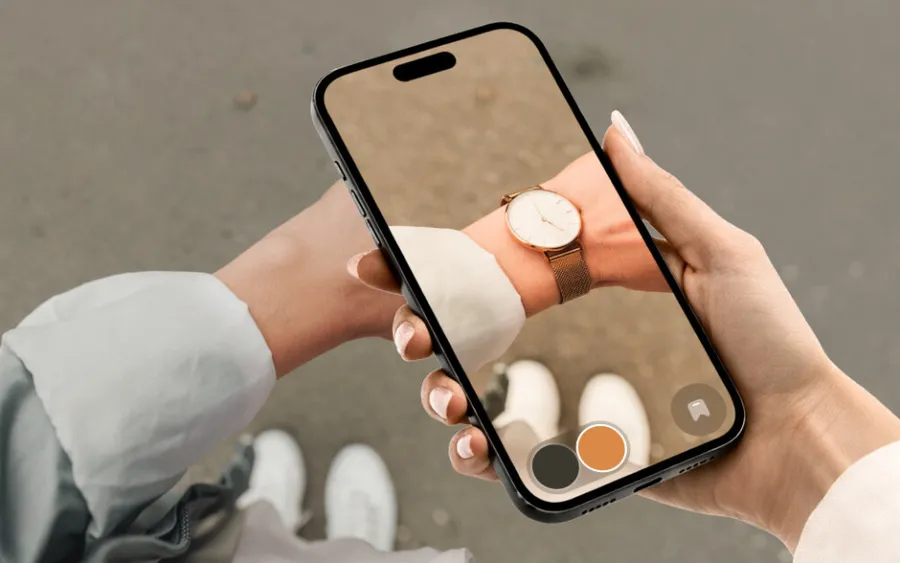
At VIZBL, we built our own mini-app for iPhone, because our clients need more than a basic preview: switching colors, placing several objects at once. That said, WebAR and native viewers can be the right choice too, as long as their limits don’t get in the way of shoppers evaluating your product.
Where it already works
Each model below is live — rotate it and zoom in right here.
Sean Woolsey Studio makes handcrafted furniture. Before AR, customers relied on photos and a tape measure to figure out whether a pool table would be too big for the room. Now they place the table in their room right from the online store, at true scale and in the actual finish. Shoppers stopped analyzing dimensions and started picturing their future game room — engagement on the product page went up, and so did sales. Read the case
FitWood is a Finnish brand of birch plywood products for kids’ rooms: climbing arches and wall bars that mount on the wall, ceiling, or floor. Parents place each piece exactly where it would be installed, and conversion went up. In the founder’s words, the technology “works seamlessly on our Shopify store.” Read the case
Estudio pm creates handcrafted pieces from reclaimed materials — work that even good photography can’t fully convey. Now clients place any piece in their own home from a phone or tablet and see its real proportions and materials. Read the case
AR without an app works outside the product page too. VTM Vending sells wall-mounted vending machines to operators in all 50 states from a single showroom, and has more than 2,500 machines in operation. Most buyers can’t travel to see the machines, so VTM’s sales reps send them a link instead: the buyer opens it on a phone and sees the machine on their own wall at true scale. Nobody on either side has to install anything. Working this way, one VTM rep has closed more than 100 new locations in about a year, according to the company. Read the case
How to add AR try-on to your store: three paths
You can build it yourself, hire developers, or use an AR platform. The first two paths come with the same list of work:
- prepare 3D models in two formats: USDZ for iPhone and GLB for Android;
- find storage for the models — 3D files are heavy, and the server your site runs on may not have enough space for them;
- teach the site to detect the shopper’s device and serve the right file;
- decide what desktop visitors see — usually a QR code that opens AR on their phone;
- test on different phones, including older ones;
- keep the models matching the real products as your catalog changes.
Building it yourself means your team needs web development and 3D modeling skills, and most online stores simply don’t have those people on staff. Hiring developers takes the work off your hands, but not the cost or the wait — and every change after launch goes back through them.
With VIZBL, most of this is already done for you:
- Create an account. New accounts start with a token balance; after that, you top it up and pay only for what you use.
- Upload your 3D model. No model? We’ll make one, optimized for phones.
- Set up the features you need: color variants, several objects at once, how shoppers interact with the model.
- Add one script tag to your site and a button to each product page — about half an hour on Shopify, WooCommerce, Wix, Squarespace, Webflow, or a custom site.
After launch, the only thing left on your side is keeping the 3D models up to date as your products change. See how Core AR works
How augmented reality without an app works in practice
WebAR and WebXR are close, but not the same. WebXR is the browser standard that gives web pages access to AR and VR. WebAR is the AR side of it — plus tools from AR vendors that track the camera on their own.
iPhone shoppers still get AR. It just doesn’t run in Safari: on iPhone, AR opens in AR Quick Look or an App Clip, launched from the same button on the product page.
Desktop visitors get a QR code. When someone clicks the AR button on a laptop, they see a QR code. Scanning it with a phone opens the same product in AR.
One model file is enough. iPhone and Android need different formats, USDZ and GLB. On VIZBL, you upload a single file — FBX, OBJ, GLB, or USDZ — and AR works on both.
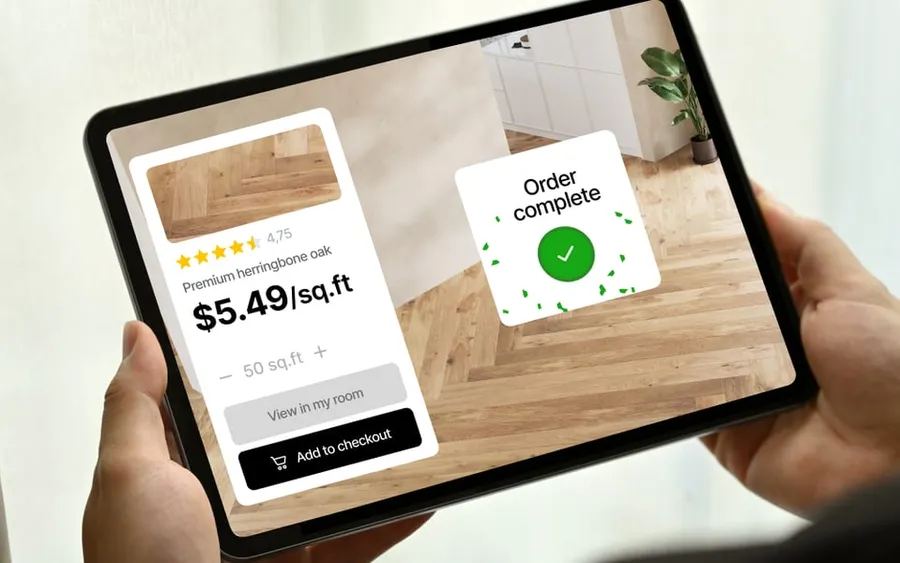
Some products don’t need a 3D model at all. On VIZBL, rugs and wall art are tried on from product photos. Flooring works from photos too, but for now our team prepares the textures for you on request.
Should you add AR try-on to your store?
AR try-on helps shoppers choose with confidence, and you can add it to almost any online store — especially if you don’t build everything yourself and use a service with a ready-made solution.
If you already have 3D models, launch is fast: upload them and add the button. If you don’t, we’ll make them for you.