· AR · 6 min read
3D Models for AR Try-On: where to find and how to choose
A breakdown of free and paid options for getting a 3D version of your product.
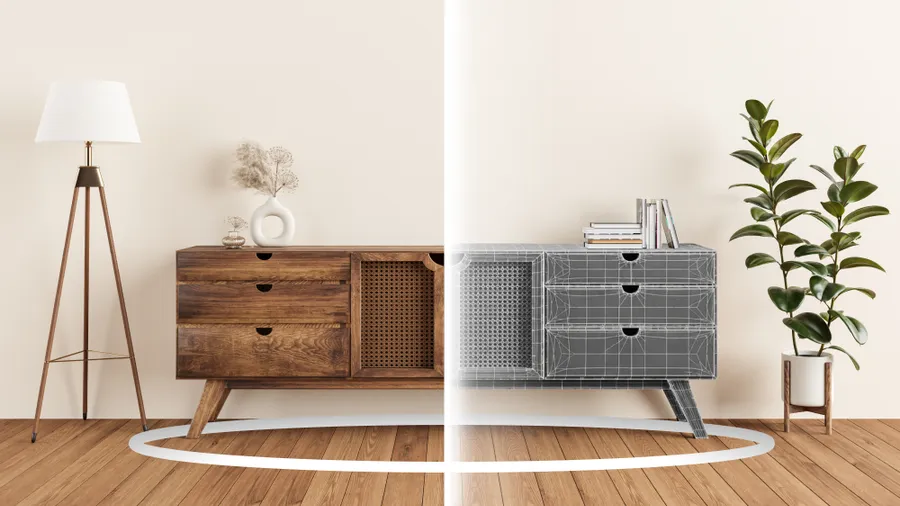
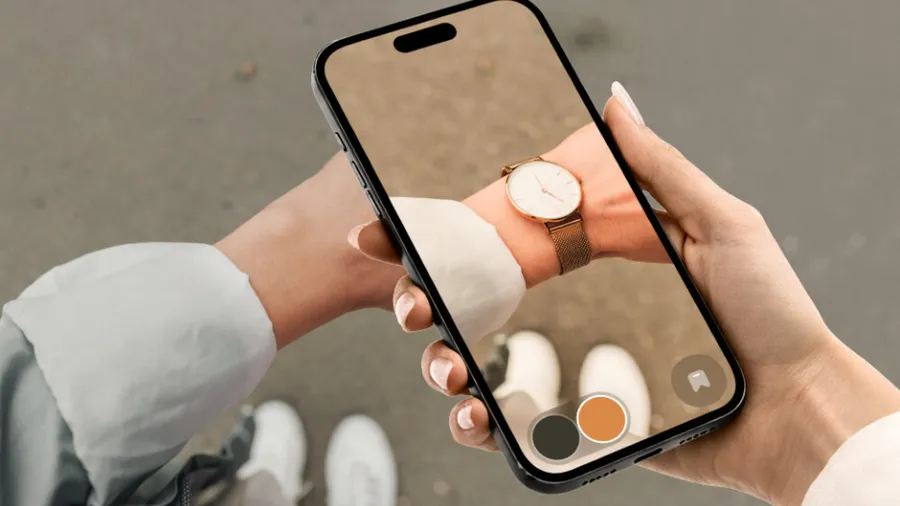
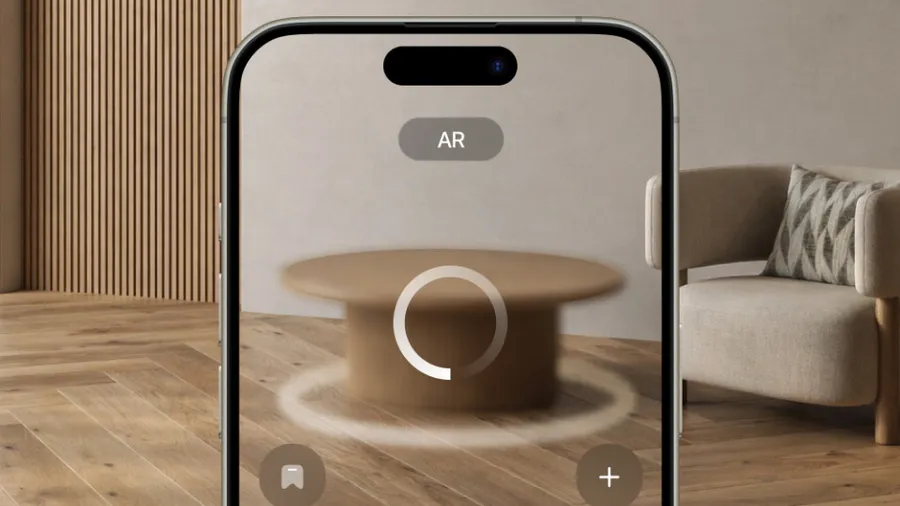
Augmented reality (AR) lets shoppers use their phone camera to see how a product would actually look in their space — before they buy it. In ecommerce, brands do this with 3D versions of their products, so customers can get a real sense of fit, size, and style without ever leaving home.
The integration side is well-covered — there are plenty of platforms that handle it for online stores. The harder part is the 3D models themselves. They need to look just like your actual products and be optimized to run smoothly on a phone.
Here’s a breakdown of every option — free, paid, and everything in between.
3D Stock Libraries
3D stock libraries work like any asset marketplace — creators upload models and either share them freely or sell them. Most of the content is geared toward game developers and artists, but you’ll also find plenty of common consumer products like phones, furniture, and accessories.
Pros
- Wide selection. Standard consumer products — furniture, appliances, accessories — are well-represented.
- Price. Some platforms offer affordable subscriptions with a set number of downloads, and high-quality free models are relatively easy to find.
Cons
- Poor AR optimization. Stock model creators aren’t thinking about mobile or augmented reality — so models can be slow to load and run poorly on mobile devices.
- Gaps in the catalog. If you sell niche products, you probably won’t find it.
- Licensing. Free models often come with usage restrictions — no commercial use, or you have to credit the author. Neither works great for a store.
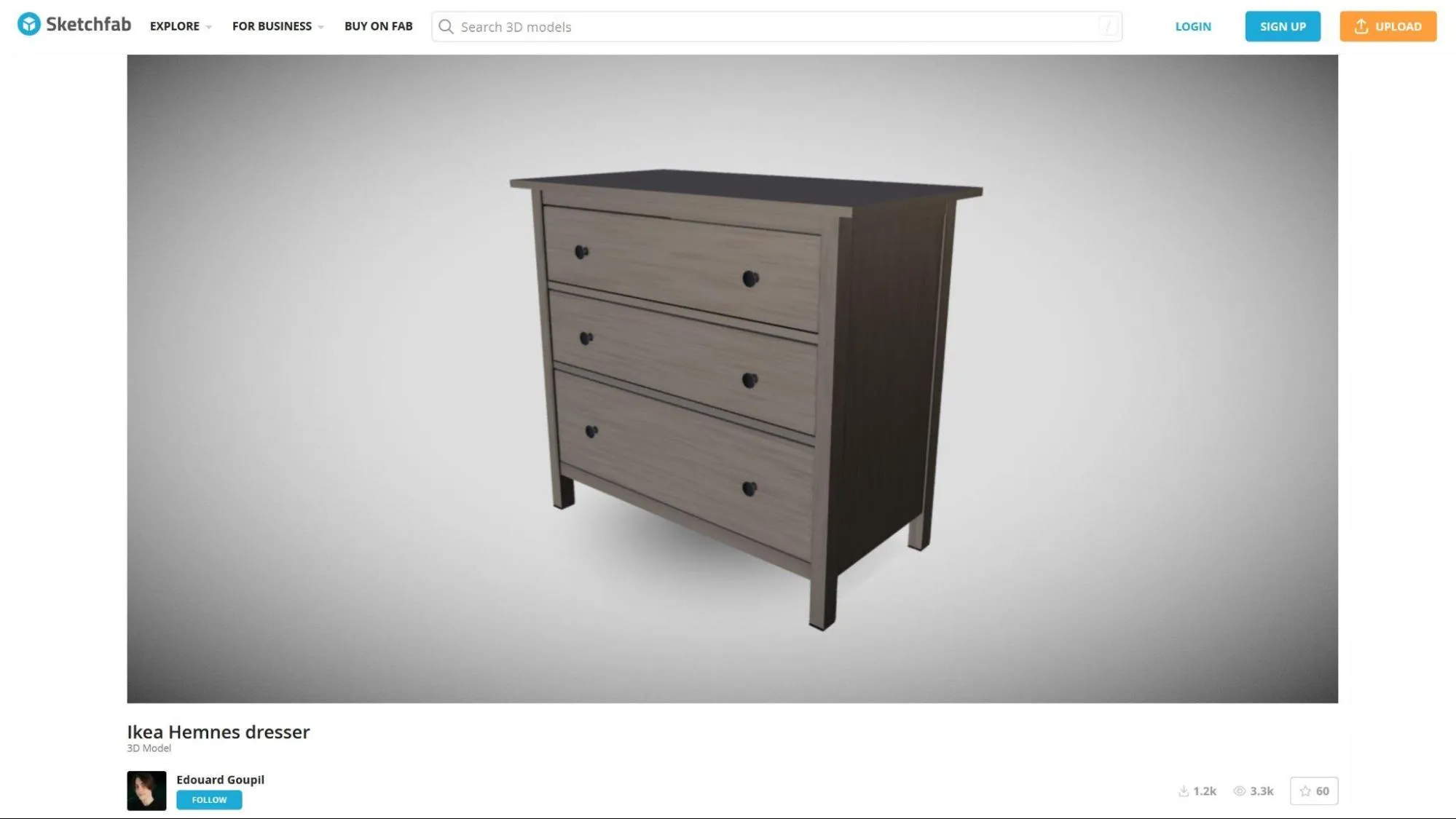
Sketchfab is the most popular 3D stock platform, with both free and paid models
The biggest and most popular platforms for finding and downloading 3D models:
- Sketchfab — one of the most widely used platforms for browsing, downloading, and buying 3D models. A lot of creators upload their work for free with commercial use allowed.
- TurboSquid — the oldest 3D marketplace around, with a massive library of assets. Both free and paid models are available.
- CGTrader — one of the largest libraries out there, with free and paid models plus animations, materials, and textures if you need them.
- Free3D — another option for free and paid models. Quality is hit or miss, but if you’re on a tight budget and can’t find what you need elsewhere, it’s worth checking.
3D models from photos
Photo-to-3D tools generate a model from a series of shots taken around the object. They come as either web-based services or mobile apps for Android and iOS.
Pros
- Great for organic shapes. Animals, plants, anything with irregular geometry — this is where photo-based generation actually shines.
- Price. Most services offer a free tier where you can generate a model or two before committing.
Cons
- Quality. Auto-generated models come with geometry errors — current photogrammetry technology doesn’t yet produce clean geometry reliably. Textures can also be a problem: poor lighting conditions produce degraded, low-fidelity textures.
- Mobile performance. Generated models tend to be heavy. Without extra optimization work, they’ll run poorly on most phones.
- Manual cleanup. Even in the best case — scanning something organic, ideal lighting — you’ll usually need to go in and fix things by hand before the model is actually usable.
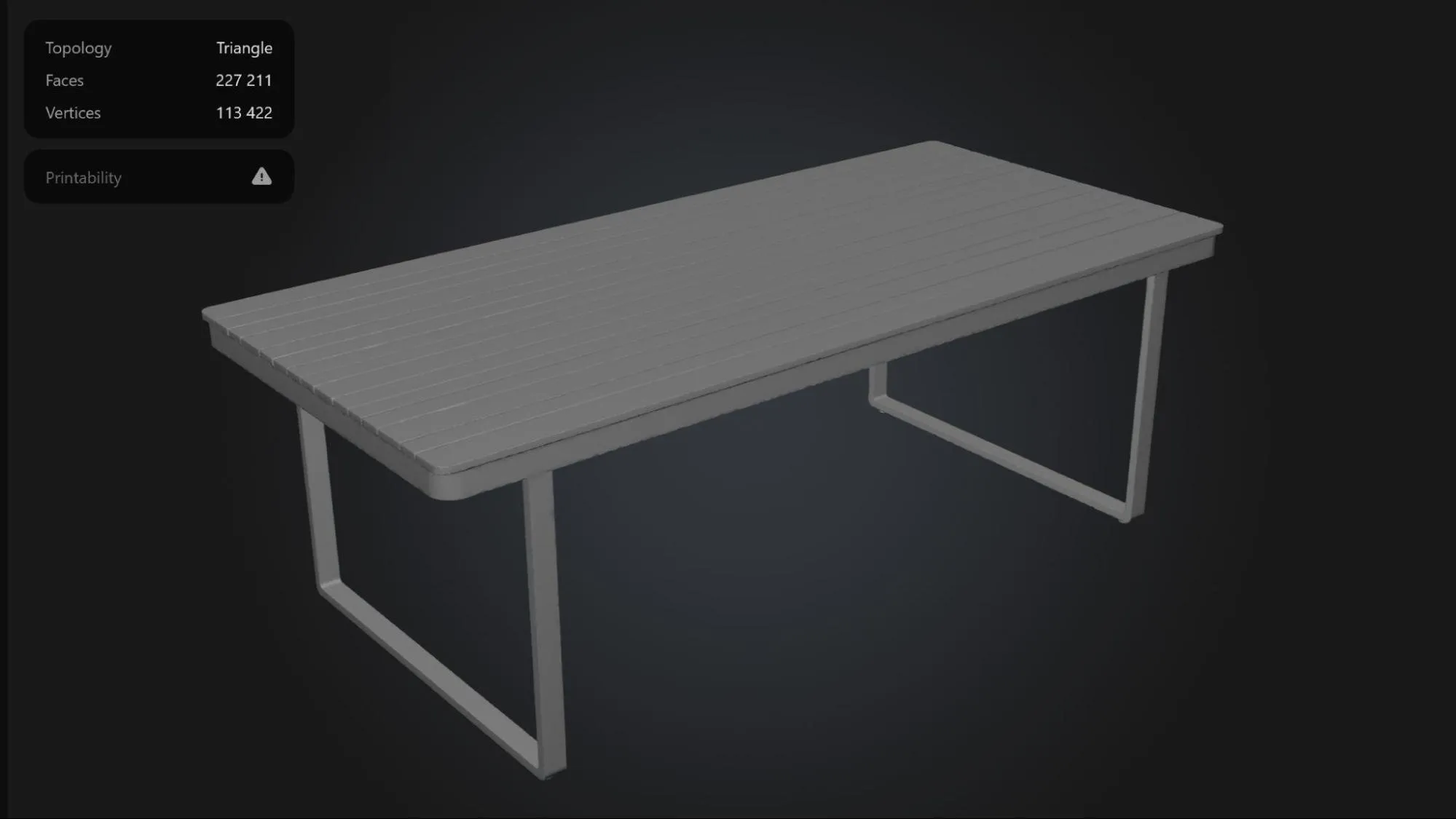
A sample output from Meshy.ai’s photo-to-3D generator. As-is, this model isn’t ready for AR — too many polygons and geometry errors around the edges
Asking your manufacturer
If you source products from a third-party manufacturer, there’s a decent chance they already have 3D models on file. It’s not something manufacturers typically advertise, but a direct inquiry is worth making — frame it around improving online sales performance.
Pros
- Accuracy. A model straight from the manufacturer is guaranteed to match what you’re actually selling.
- In some cases, manufacturers can provide models for the entire product line at once.
Cons
- Slow back-and-forth. 3D assets aren’t a priority for most manufacturers, so expect a long wait — or no response at all.
- Still needs optimization. Even if they come through, the model probably won’t be AR-ready. You’ll likely need to do cleanup work before it’s usable.
- License restrictions. Manufacturers can attach conditions — like blocking you from using the model in ads.
Building your own 3D Model
If none of the above fits your catalog, custom modeling is the reliable fallback. Most brands hire a freelancer or studio — someone who takes your actual products and recreates them in 3D. Or you can learn to do it yourself, though that’s a bigger commitment.
Pros
- Accuracy. You control the output, so the model will match your product exactly.
- Quality. A good freelancer can build the model AR-ready from the start — no cleanup needed, if you brief them right.
Cons
- Cost. A quality 3D model typically starts at $100–150, depending on complexity.
- Time investment. If you’re going the DIY route, expect to spend a few months getting up to speed with the software before you’re producing anything usable.
Getting models through your AR provider
If you’re using an AR platform rather than building your own solution, chances are they offer 3D modeling as well — either as a standalone service or bundled into one of their plans.
Pros
- Accuracy. They’ll work directly from your product specs — asking the right questions to get materials, dimensions, and details accurate.
- AR-ready out of the box. The people building the platform know exactly what runs well on mobile, so they’ll get the balance right between load speed and visual quality.
- Color variants. Need customers to switch between colorways? That’s something they can build in.
Cons
- Price. It’s not cheap — usually in line with what you’d pay a freelancer. But you know exactly what you’re getting: a model that’s already in the right format and meets the platform’s own specs.
Which option is right for you
For VIZBL users, we handle the 3D modeling ourselves — our team optimizes every model for mobile, gets the textures right, and delivers everything in the correct format. It’s what we recommend to our clients, and it’s the fastest way to get up and running.
That said, the other options are all legitimate — depending on how hands-on you want to be:
- 3D asset marketplaces — good if you sell common products and are confident you’ll find a quality match.
- Photo-to-3D generation — works best for organic shapes like plants or animals, but plan on doing some cleanup afterward.
- Manufacturer models — worth asking for via email or support chat, but treat it as a bonus, not a baseline.
- Custom modeling — if you’re willing to learn the software yourself or find a freelancer to handle it.
- Your AR provider’s modeling service — the easiest path if you want AR live in your store without the hassle.