
Vizbl Wall Art
Wall art visualizer — help shoppers find the right piece for their wall
Vizbl’s Wall Art Visualizer lets retailers add a realistic, frictionless way to preview wall art directly on their product pages or in a showroom. Customers see your piece in their own space before buying — which means faster decisions and fewer returns.
Free to start — 1,000 tokens included, no card required.
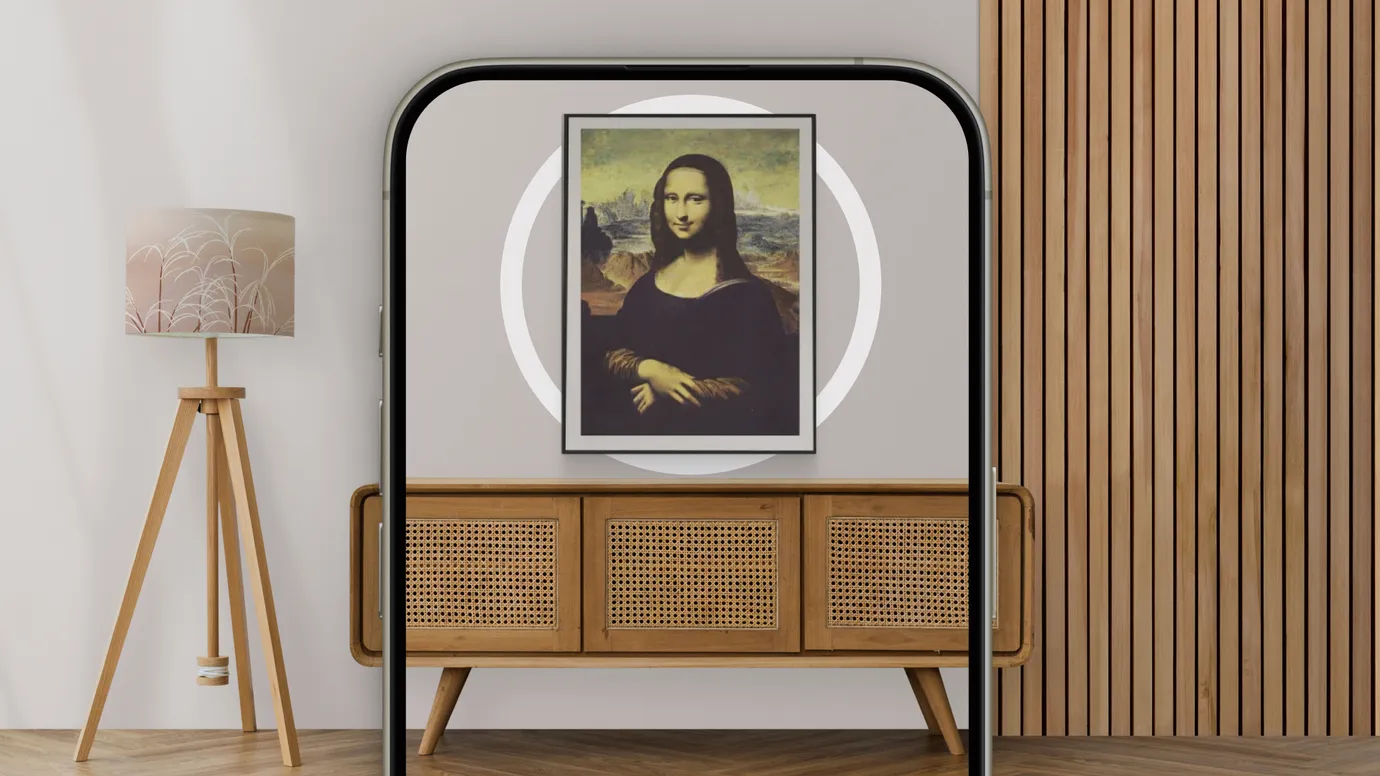
Live demo
Hang a piece on your wall right now
The same widget your shoppers will get. Pick a piece and point your phone at the wall — or try it on a photo of your room, right from the desktop.
A full sample poster store with the wall preview button on the product page.
Personal demo
Get a free demo with your actual products
We’ll set it up with posters from your store — so you see exactly what your shoppers will experience. 20 minutes, no pitch deck.
AR wall placement
Place it on the customer’s actual wall
Your catalog, on their wall — before they buy
Any poster or print in your catalog can go up on a customer’s wall before they buy — no store visit, no returns because it didn’t fit the space.
They open your store, pick a piece, and hang it on their wall through their phone camera. No app download required — works on any iOS or Android device.
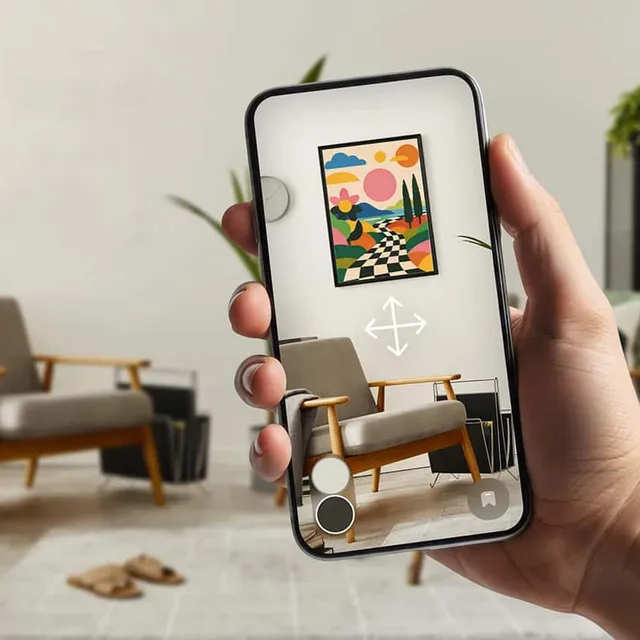
Live & photo preview
AR and 3D presentation
Camera-based AR and AI-powered 3D — both built in
In AR, the customer uses their phone camera to hang your piece on their actual wall and see how it fits the space.
The 3D mode works from a photo of their space. AI automatically detects the surfaces in the image so the piece renders with accurate perspective and placement.
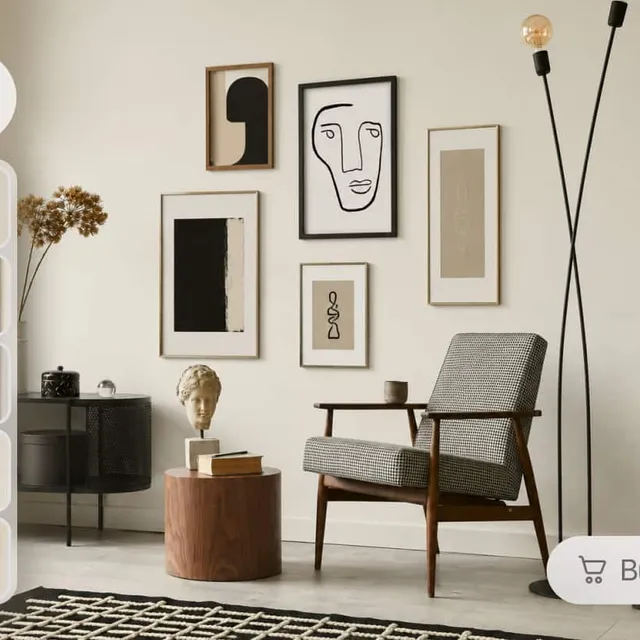
Instant customization
Switch sizes and frames live
See every size and frame option in a preset interior or on a photo of their room
Customers can switch frame colors and available sizes on the fly — right inside the preview. Watching options update in real time shortens the path to purchase.

Launch in a day — from the images your store already serves
Add one script tag
One script tag site-wide — about half an hour on Shopify, WooCommerce, Wix, Squarespace, Webflow, or a fully custom build.
Point the button at your product image
Each product page gets a button that simply carries the poster’s image URL and dimensions — the same image the page already shows. Nothing to upload, no separate catalog to maintain.
The widget does the rest in the browser
The preview builds itself on the shopper’s device from that one URL: preset interiors, a photo of their own wall, or AR at true scale. The workflow is the same for 1 SKU or 10,000.
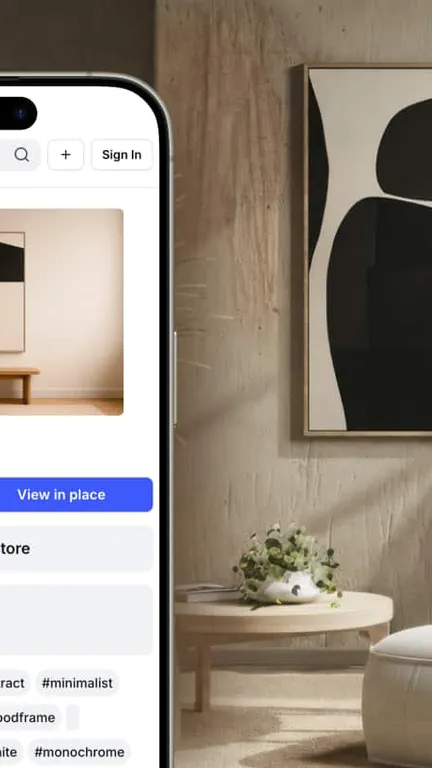
Pricing
Start free. Pay for what shoppers actually use.
Every new account includes 1,000 free tokens. Tokens are only spent when a shopper previews a piece on their wall — you pay per use, not per seat. No subscription, no card required to start.
Easy integration with website builders


Got questions?
What types of wall art products work with Vizbl?
Any product that goes on a wall in a frame — posters, prints, photography, canvas, framed art. If it hangs, Vizbl can visualize it.
Why do wall art retailers need AR more than ordinary product photos?
Because wall art is bought as part of a room, not as a rectangle on a white background. A photo can show color and composition, but it can’t show whether a 24×36 print anchors the wall, whether the tones work with the furniture, or whether the piece feels too small once it’s actually up. AR answers the question photos can’t: does this work in my space?
Can a wall art visualizer help increase conversion?
It can support conversion by reducing the uncertainty that blocks purchase. Shopify reports that merchants adding 3D content see a 40% conversion lift on average, and a Rebecca Minkoff case study found shoppers were 44% more likely to add to cart after interacting with a 3D model. For wall art, the same principle applies: the product page becomes more useful when shoppers can see the piece in context, at actual size, on their actual wall.
Can Vizbl help reduce wall art returns?
Vizbl helps close the expectation gap before the piece ships. Shoppers can check scale, color direction, composition, and how the piece sits within the room before committing. Broader AR shopping research reported by Retail Dive found that two-thirds of consumers are less likely to return a product after using an AR feature.
What assets do we need to get started?
A clean product photo and accurate dimensions are enough to get started. No 3D models required — Vizbl generates the AR preview from your existing catalog images. Higher-quality photos produce a more premium result, especially for texture, color accuracy, and frame detail.
Does it work on Shopify and custom stores?
Yes. Shopify, WooCommerce, and WordPress, BigCommerce, Wix, Squarespace, Webflow, and custom storefronts via a single script tag. On Shopify the button ships inside your existing theme.
How does Vizbl integrate with existing ecommerce platforms?
Vizbl integrates with Shopify and custom ecommerce setups. The exact implementation depends on your storefront, catalog structure, and product-page template.
How does setup work?
Most of the technical heavy lifting is already handled on our end — you’re not building an AR integration from scratch. Here’s what setup looks like: 1. Create a Vizbl account. 2. Add one script tag and put a button on each product page — the button points at the product image the page already shows, with its dimensions. 3. Configure the features you need — size switching, frame options, interaction settings. There’s nothing to keep in sync afterwards: the widget always works from the images your store already serves.
Do shoppers need to install an app?
No. Vizbl runs as a product-page experience. Shoppers launch the AR preview directly from a button or link — without leaving the purchase flow or downloading anything.
Do I need technical expertise to use Vizbl?
No. Vizbl comes with detailed guides that walk you through the setup, and if you get stuck at any point, we’ll help you get it live — whether you’re on Shopify or a custom site.
Can we start with a small pilot?
Yes. The best approach is often to start with bestsellers, premium prints, high-margin pieces, or SKUs where customers hesitate most because of size, color, or room fit. Then scale based on real product-page data.
What data does the visualizer give us?
The dashboard shows how often shoppers open the visualizer, how many go on to try a piece on a photo of their room or in AR, and what share of opens turns into a try-on. Token spend is broken down by event type, and traffic by device, country, and browser.
Book a demo
Stop losing wall-art sales to fit doubt
Start with your bestsellers or premium finishes. A 20-minute live demo with your actual products — no card, no contract, no pressure. We respond within one business hour.