
Vizbl Construction AR
Approve finish selections during construction with AR visualization
Let clients see every finish option — flooring, paint, tile, fixtures, smart-home devices, and security systems directly on the construction site, at true scale, through an iPad. Make finish selections with confidence and reduce costly change orders.
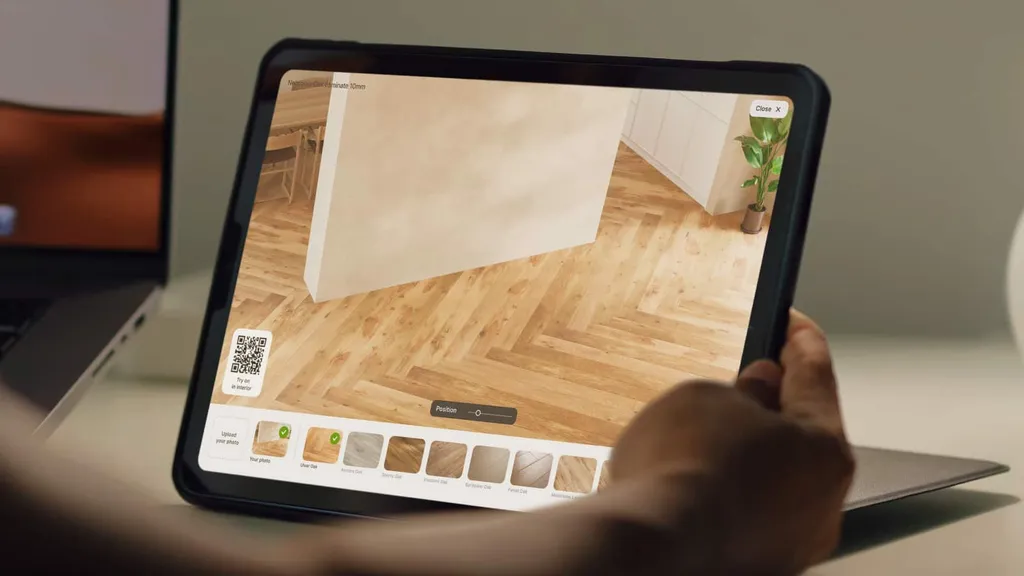
Personal demo
Get a free demo with your actual products
We’ll set it up with products from your catalog — so you see exactly what your customers will experience. 20 minutes, no pitch deck.
Finish previews in context
Show finishes in unfinished spaces
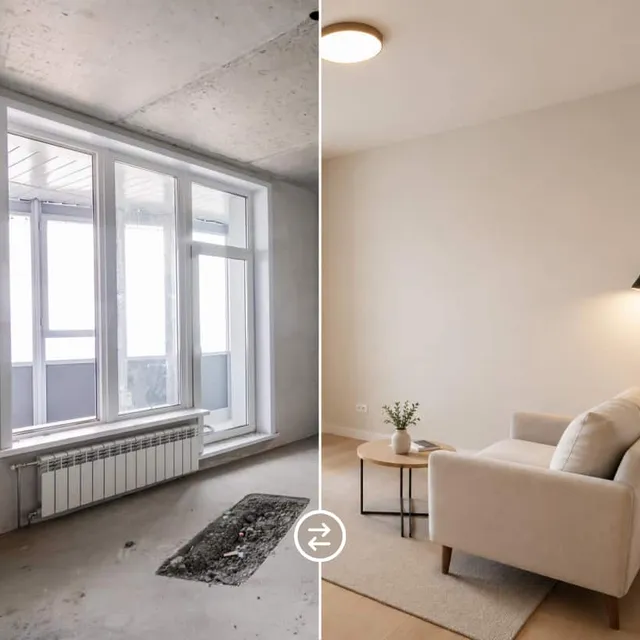
See the final result in an unfinished space, at true scale
Vizbl bridges the gap between an unfinished space and the final result. Point the iPad at the room and finishes appear directly in the space at true scale. Clients can switch between options, compare upgrades, and make decisions while standing inside the actual build.
No modeling required
No 3D modeling pipeline required
Flooring, tile, paint, fixtures — all from standard catalog images
Upload your finish catalog, define product dimensions and let the system place flooring, tile, paint, fixtures, and smart-home devices directly into unfinished spaces. No 3D models required.
This makes it easier for builders and developers to launch AR faster, support more finish options and turn existing product catalogs into an interactive sales experience.
Proposal & sign-off
Save selections and sign proposals on-site
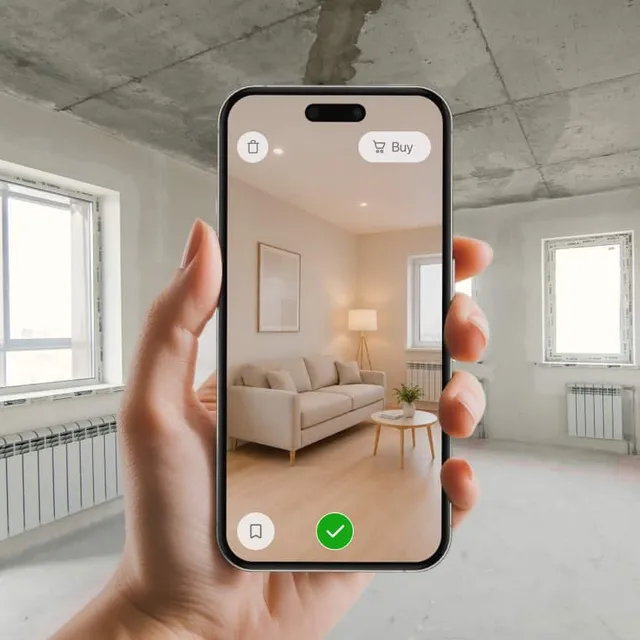
Every decision captured in real time. Ready to sign before anyone walks out
Vizbl keeps every decision in one place. Approved finishes are saved during the walkthrough, compiled into a proposal and ready for signature before anyone leaves the site. Everyone works from the same specifications from day one.
Got questions?
Do I need technical expertise to use Vizbl?
No. Vizbl comes with detailed guides that walk you through the setup, and if you get stuck at any point, we’ll help you get it live — whether you’re on Shopify or a custom site.
Does it work on raw, unfinished construction sites?
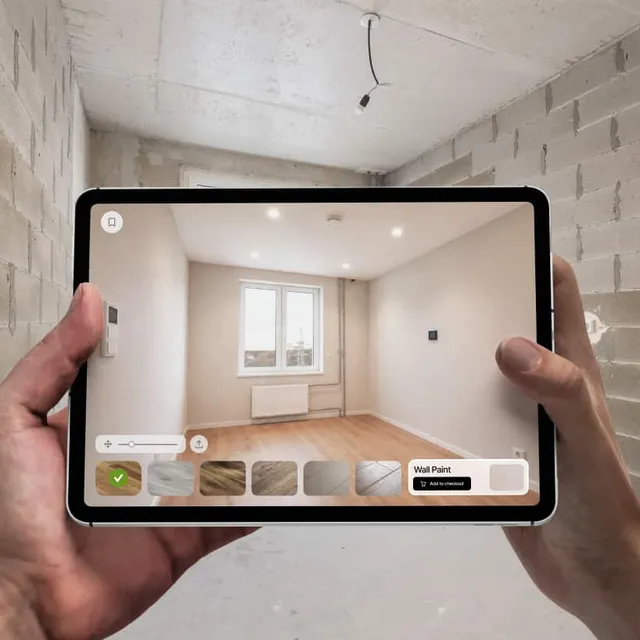
Yes — that’s exactly what it’s built for. Vizbl Construction AR uses AI surface detection that works on bare drywall, exposed studs, subfloor, and unfinished ceilings. The harder the room is for a human to picture, the more value the AR adds.
Can I upload my own finish catalog?
Yes. You can add custom finishes from your own catalog at any time, alongside the 100+ finish categories already available in Vizbl.
What devices are supported?
Vizbl is designed for iPad and is available as a pre-configured hardware and software bundle. Single-team and Multi-team plans include an 11-inch or 13-inch iPad preloaded with your finish library and project workflow. Enterprise customers can also use custom hardware configurations or bring their own devices (BYOD).
Does it integrate with project management software?
Multi-team and Enterprise plans integrate with Buildertrend, Procore, CoConstruct, and JobTread. Finish selections can be exported as line-item change orders. Custom API integrations are available on the Enterprise plan.
What about clients who want to compare finishes side-by-side?
Customers can save "option A" and "option B" scenes for the same room — e.g. matte black hardware vs polished chrome — and compare side-by-side on the iPad. Final decision is locked into the signed proposal.
Who owns the project data?
You. All site captures, finish selections, signed proposals, and client photos belong to you, stay on your tenant, and can be exported anytime. Vizbl never resells, repackages, or trains on construction-site data.
Book a demo
Sign more finish-upsells on your next build
Walk a real client through one of your active builds with the iPad — see it overlay tile, paint, fixtures, and smart-home. 20-minute live demo with your actual products. You see ROI on your real numbers, not slides. No card, no contract, no pressure. We respond within one business hour.