
AI image to 3D model generator
From product photos to your shopper’s room — in 15 minutes
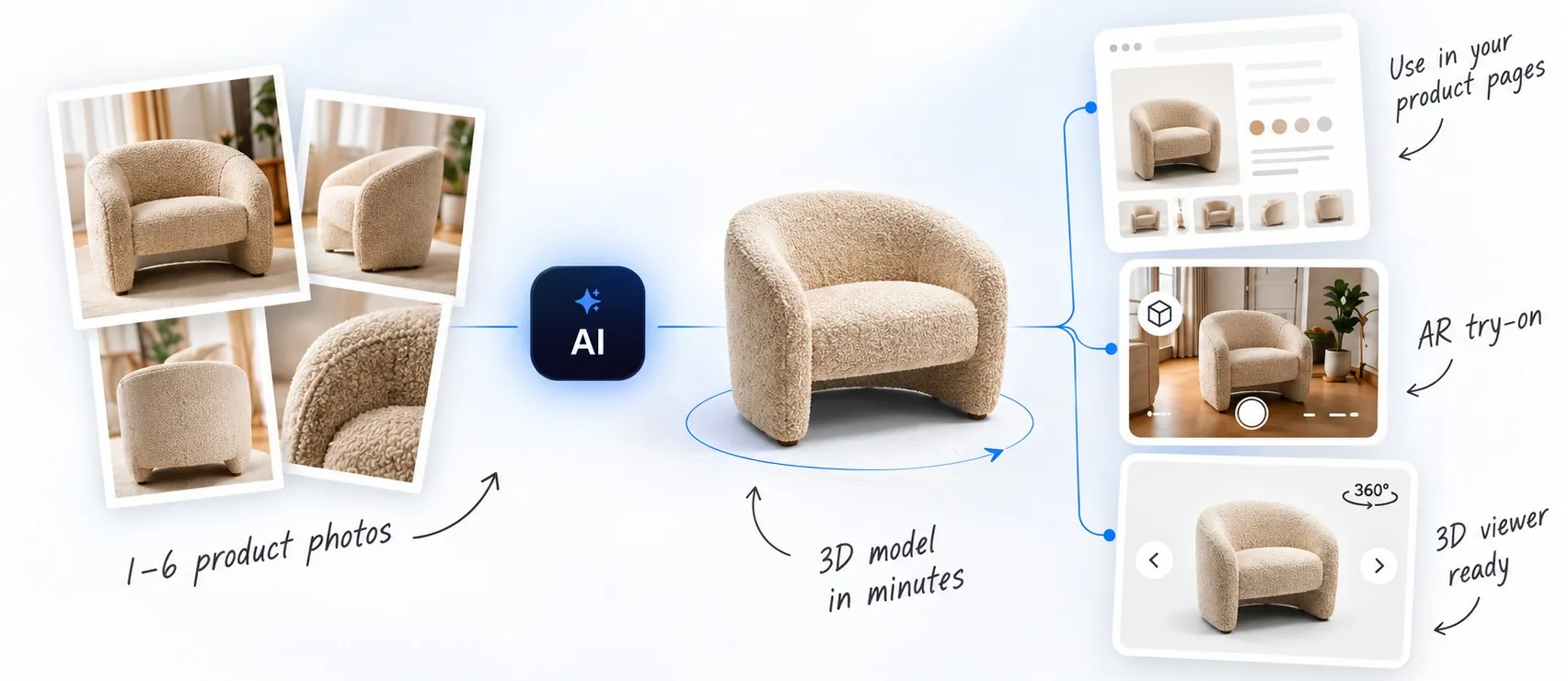
Upload a few photos of a product. Within 15 minutes there is a 3D model in your library — and the viewer, the AR try-on and the embed code already work with it. Nothing to download, nothing to convert, no 3D software involved.
1,000 free tokens on sign-up — no card required.
Generated, not modeled
Every one of these came out of the generator
No cleanup, no retouching, no 3D artist. Open any of them — turn it around, zoom in on the seams, and use the AR button inside to stand it in your own room at full size. This is the same viewer your shoppers get.
New accounts get 1,000 free tokens. Upload photos of one product and judge the result on your own catalog.
What it was given
A few photos is all it gets
Ordinary catalog shots — the kind already sitting in your product folders. No turntable, no scanner, no studio booking.
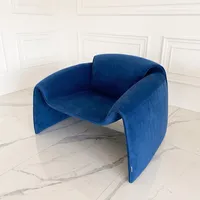
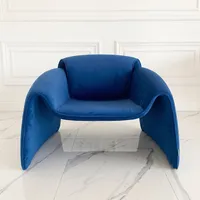
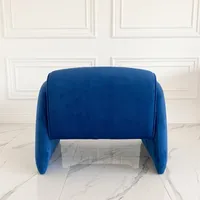
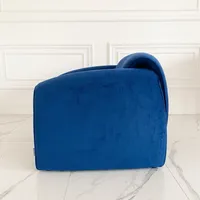
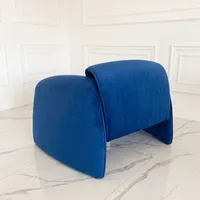
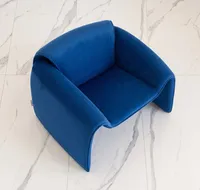
Shot in an ordinary room on a tiled floor — no studio, no backdrop, no lighting kit.
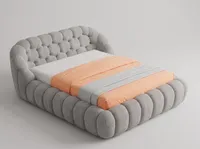
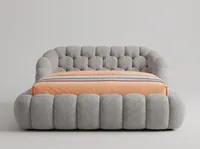

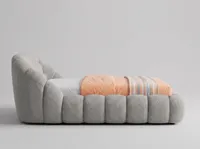
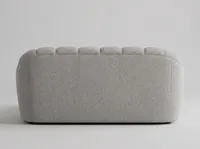
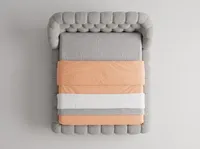
The largest object of the eight, and the one whose surface is all texture.
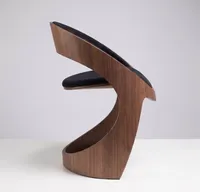
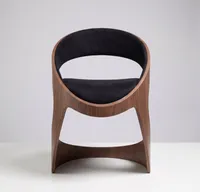
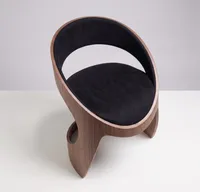
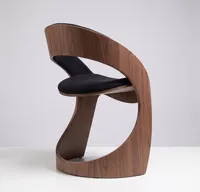
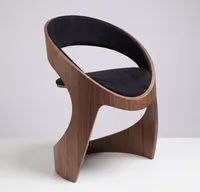
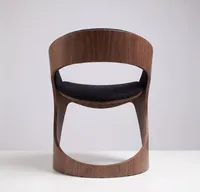
Curved plywood that loops back on itself — the shape people expect generation to break on.
Three steps, and one of them is waiting
Upload photos
One to six shots of the product, depending on the engine. Each photo shows the whole product, uncropped, with nothing in front of it and nothing else in the frame. If they are good enough for your catalog, they are good enough here.
Give it up to 15 minutes
The Preview preset checks the shape in a minute or two, Standard takes three to five, High runs eight to fifteen. Generation happens in the background — close the tab, and the model is in your library when you come back.
Put it on your product page
Copy the embed code for the 3D viewer or the AR button, or hand the model out as a link or a QR code. About half an hour on Shopify, WooCommerce, Wix, Squarespace, Webflow or a custom build.
Pricing
1,000 free tokens to start, then pay per model
A new account gets 1,000 free tokens — no card, no trial that starts charging. A generation costs tokens, and the exact price appears on the Create button before you start: a quick Preview run costs a fraction of a High-detail one. Tokens never expire, there is no subscription, and letting shoppers spin a model in 3D is always free.
The model lands in a workspace, not in your downloads folder
A generated file on its own still needs a viewer, a place to live and an AR integration before a shopper can see anything. Here the model arrives next to all of it — already configured, already working.
The model opens in the same viewer every other Vizbl object uses. No hosting to arrange, no player to choose, no file size to worry about.
Your shopper taps a button on the product page and the product stands in their room at full size. No app to install, on iOS and Android alike.
Copy the snippet from your account and paste it where the viewer should appear — the same way you would add any other widget.
Every object has an AR link that never changes. Print it on a tag, a flyer or the box, and it keeps opening the product in the customer’s room.
Colour, materials, the size and placement of parts, product variants. Usually a minute of work, when it is needed at all — no 3D software, no export cycle.
Download the model as GLB or USDZ and use it anywhere else — ads, marketplaces, your own app. A generated model behaves like any other model in your library.
Not just a file
Other generators hand you a file. Here you get a live product.
Making the mesh is half the job. The other half is getting it in front of a shopper — and that half is already done when the model lands in Vizbl.
| After the model is generated | A typical image-to-3D tool | Vizbl Photo to 3D |
|---|---|---|
| Where the model lives | A file in your downloads folder | Your Vizbl library, hosted and ready |
| 3D viewer on your product page | Find, host and configure one yourself | Built in — paste the embed code |
| AR in the shopper’s room | Convert and integrate separately | One tap in the phone browser, iOS and Android, no app |
| Share it | Send the file | A permanent link and a QR code |
| Change colour, materials, variants | Back to 3D software | Built-in editor, usually a minute |
| Download the file | Yes | Yes — GLB and USDZ |
| How you pay | Monthly subscription, credits reset | Tokens that never expire; 1,000 free on sign-up |
Honest limits
Where generation stops and a modeler starts
Speed against precision — and it is a choice per product, not per catalog.
Generation gives you a usable model in minutes, and for most of a catalog that is exactly the right trade. It approximates: fine detail, tricky geometry and difficult materials — clear glass, brushed metal, deep-pile textile — come out close rather than exact.
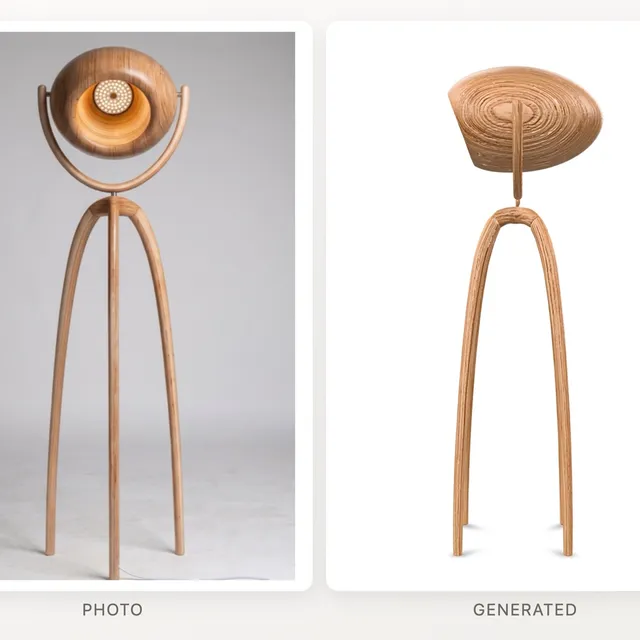
The floor lamp here is one of our own eight, and it shows exactly that. The real shade is an open bowl with an LED disc inside, hung in a pivoting yoke; generation closed it into a solid dome and dropped the yoke. The stance, the proportions and the ash grain all survived — the one detail that makes the lamp what it is did not.
For a hero product, a configurable item, or a material that is doing the selling, our studio builds the model by hand from the same photos and dimensions — see 3D modeling services. Most merchants end up using both: generation to cover the long tail, the studio for the pages that carry the revenue.
Got a catalog, not a product
We’ll generate the first batch with you
Send a product list or a store link and we’ll run a pilot batch through the generator, tell you which products came out well and which ones want a modeler, and hand the results back in your own account. 20 minutes, no pitch deck.
Got questions?
Is this an AI image to 3D model generator?
Yes. Upload one to six photos of an object and the AI builds a textured 3D model from them — no 3D software and no scanner. You choose between two engines, Trellis and Tripo, and a quality preset from a quick Preview to High detail. The difference from a standalone generator is what happens next: the model lands hosted in your library, with the 3D viewer, AR try-on, embed code, link and QR code already working.
Which file formats can I download?
GLB and USDZ — the two formats the web and Apple devices use for 3D and AR. Download the model and use it in ads, marketplaces or your own app, or leave it in Vizbl and embed it straight from your library.
How many photos do I need, and what should they look like?
Anywhere from one to six, depending on the engine you pick. Each photo should show the whole product, uncropped and unobstructed, with nothing else in the frame — and if you upload several, shoot the product from different angles. Ordinary catalog photography is fine; there is no turntable and no lightbox involved. The step-by-step version lives in the Generating 3D models guide.
How long does it really take?
That is up to you. The fastest preset checks the shape in a minute or two, the middle one takes three to five, and the most detailed one runs eight to fifteen. Generation happens in the background, so you can close the tab and come back to a finished model.
How good are generated models, honestly?
Good enough to put on a product page — the eight models at the top of this page are untouched output, and the fairest way to answer this question is to turn them around and zoom in yourself. Where generation is weaker is fine detail and difficult materials: clear glass, brushed metal and deep-pile textile come out close rather than exact. If that matters for a particular product, that is the product to hand to a modeler.
Can I change the model after it’s generated?
The model lands in your library like any other, so the built-in 3D editor is right there — colour and materials, the size and placement of parts, product variants. In practice this is a minute of work, when it is needed at all. For anything deeper, download the model and edit it in your own 3D software.
Can I download the model?
Yes. A generated model behaves like any other model in your library: download the file, add variants, publish it to the Vizbl catalog, or embed it on your site.
Do I need a developer to put it on my product page?
No. Copy the embed code from your account and paste it where you want the viewer to appear — the same way you would add any other widget. Our guides walk through it platform by platform.
Do shoppers need an app to see it in their room?
No. AR opens in the phone browser: your customer taps a button on the product page and the model appears in their room at full size.
What does a generation cost?
Generation is paid in tokens, and the amount depends on the engine and the quality preset you choose — a few dozen tokens for a detailed model, far less for a quick preview. Every new account starts with 1,000 free tokens, and the exact number is shown on the Create button before you start, so nothing is spent by surprise. Tokens never expire, and there is no subscription.
Which products does generation work best for?
Solid objects with a readable silhouette and matte or lightly textured surfaces — furniture, lighting, decor, appliances, sanitary ware, garden and outdoor pieces, toys. The harder cases are transparent and mirror-finish materials, very thin or wiry structures, and products whose value is in a detail smaller than the photo can resolve. If you are not sure which half your catalog falls into, generate one product and look.
How is a generated model different from one made by a 3D artist?
Speed against precision. Generation gives you a usable model in minutes. A 3D artist gives you a model that matches the product exactly, down to the details generation can only approximate — which is what you want for a hero product or a complex material. For the rest of a catalog, generation is what makes covering it realistic at all. Our modeling service covers the first case; this page covers the second.
Talk to us
See your own product in 3D today
A few photos is all the generator needs. Tell us what you sell and we’ll run the first products through with you, on your own account. We respond within one business hour. Prefer to try it on your own? Start free — 1,000 free tokens on sign-up.