

How do I add a 3D and AR viewer to a Shopify product page?
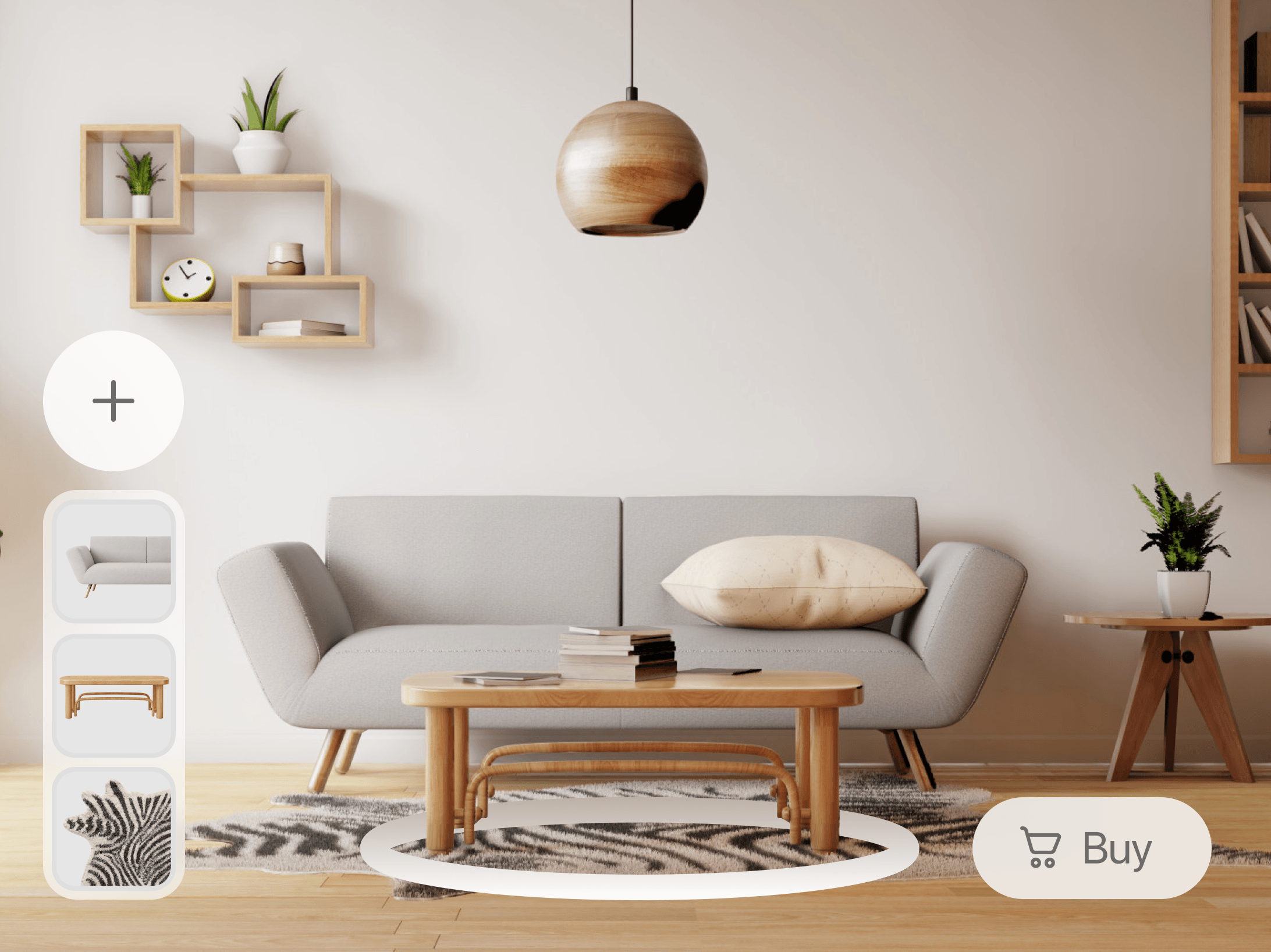
With Vizbl, shoppers on your Shopify store turn a product in 3D on the product page and place it in their room at its real size through the phone camera, with no app. Each product needs a 3D model, and Vizbl can make it.
Updated
Steps
- Tell us what you sell and where your store runs.
- Our team prepares your products from your store and connects the button.
- Shoppers open the visualizer from the product page.
Questions
- Does it work on every shopper’s phone?
- Yes. It opens in the browser with no app, and if the phone camera is not supported, the shopper still sees the product, from a photo.
- What does it cost to start?
- Every new account starts with 1,000 free tokens, with no card.