Installing AR fitting on the webpage
In this article, you will learn how to add a AR fitting to your website.
To install a AR fitting with an object upoaded in the Vizbl platform, you need to follow two simple steps. Before you begin, ensure that you have already uploaded at least one object to Vizbl.
Copy AR link
Open the list of your uploaded objects on vizbl.com/apps. Select the object you want to display in the AR viewer. Copy the AR LINK.

Add AR link to webpage
Put the copied link on any element of the site. For example, it can be a link, a button, an image.
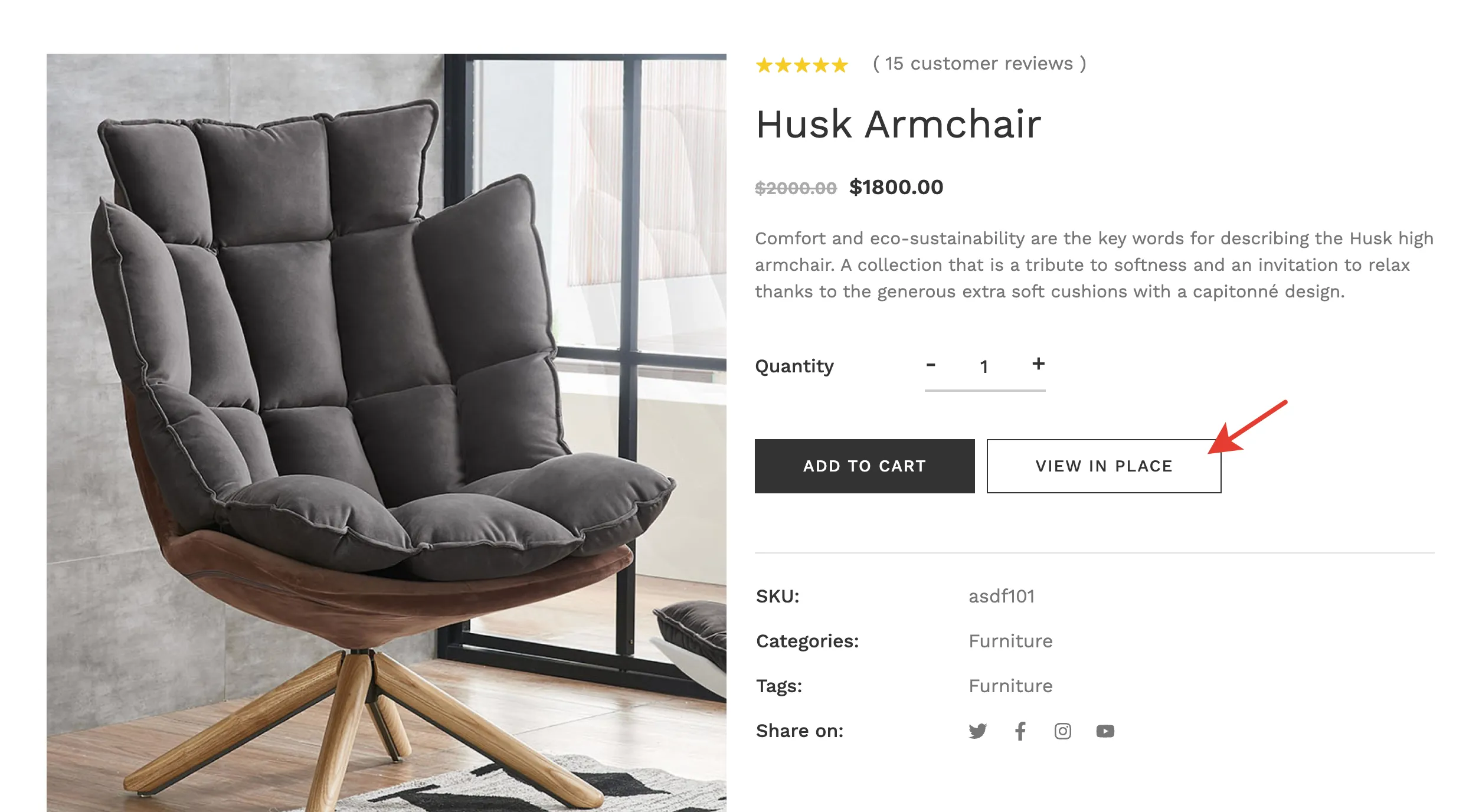
One of the easiest ways is to add a VIEW IN PLACE button as in the screenshot below