· AR · 5 min read
Let Shoppers See Your Posters on Their Walls Before They Buy: How AR Helps Sell Wall Art
A product photo can’t show how a poster will look on a shopper’s wall. Here’s how large retailers handle it, and how to add the same preview to your store without 3D models.
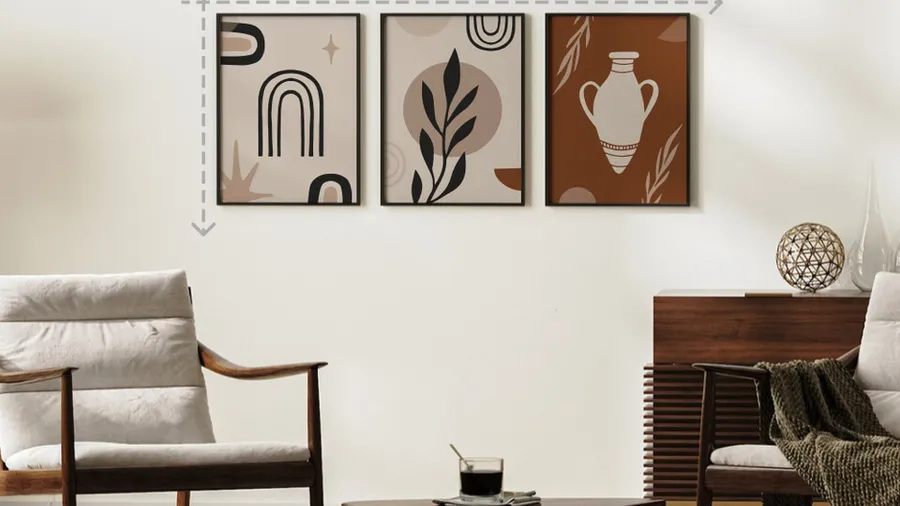
A product page shows a poster on a white background, maybe a few shots of it in a styled room, and a size: 50 × 70 cm. None of that tells a shopper how it will look over their own sofa. So they hold off, and you may lose the sale.
A preview gets around this. With room scenes, a photo of their own room, or augmented reality wall art previews, people can see a print in a room, or on their own wall, before they order. Below, we’ll look at how large retailers do it and how you can set up the same thing on your site without 3D models or a big budget.
What holds wall art shoppers back
The insurer Hiscox surveyed people who buy art and collectibles. In its 2023 report, 70% of those who hadn’t bought art online yet said they worried a piece would look different in person than on screen. Half worried they wouldn’t like it and couldn’t send it back.
Those were collectors, but someone buying a poster for their living room likely has similar doubts. Desenio, an online poster store, lists this as a risk to its online sales in its 2025 annual report: shoppers can’t see the product before they buy, and they expect returns to be a hassle.
We went through Desenio, Displate, and Posterlounge reviews on Trustpilot. Size comes up a lot: people forget about the white border, the print doesn’t fit their frame, or it’s smaller than they pictured. Returning a print isn’t easy either. Many stores charge for return shipping, and some won’t take back an undamaged poster at all. So if a print doesn’t work on the wall, the shopper either pays to send it back or is stuck with it.
How large retailers show art in a room
Stores use three kinds of previews.
Preset rooms. Displate and Fine Art America drop the artwork into photos of typical rooms. Shoppers get a sense of scale next to a sofa or a bed, but it’s someone else’s room.
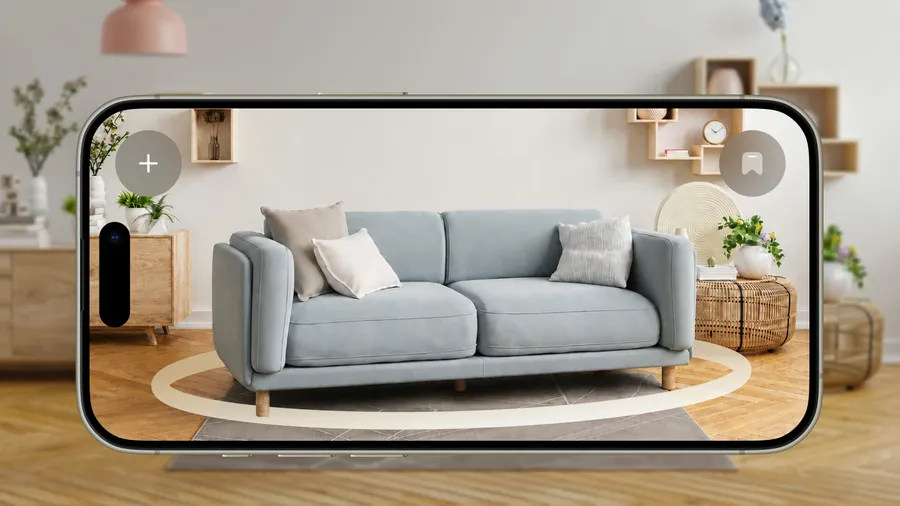
AR with the phone camera. Shoppers point their phone at a wall and see the piece on it at actual size. IKEA does this right in the browser, via a Try it in your home button on its poster pages. Amazon shows wall-mounted items in AR only in its app, and sellers have to upload a 3D model themselves.
A photo of the shopper’s room. Shoppers upload a photo of their wall, and the artwork shows up on it. There’s no need to hold a phone up to the wall, so they can try frames and sizes from the couch.
AR usually needs a 3D model, and stores typically order one from a studio for every product. Wall art doesn’t: stores build 2D and AR previews from the product images already on their site.
Vizbl offers all three previews in one widget, and none of them needs a 3D model. Shoppers use whichever works for them.
Why seeing art on their own wall helps sales
When people see a product in their own home, it’s easier to picture living with it. That goes for more than wall art.
Researchers at Oxford tested this in a restaurant. After the main course, diners got a tablet with the dessert menu. Half saw the usual menu with photos. The other half saw the same desserts in AR, sitting on the table in front of them. In the first group, 18% ordered dessert. In the second, 41% did.
Wall art could work the same way: a shopper who sees a print on their own wall before ordering may decide faster.
There’s a catch. In a 2026 study, products that looked worse in person than in their AR preview were returned more often than products people had only seen in photos. The closer the preview was to the real thing, the weaker that effect was. So show prints at their actual size in the preview, or shoppers will be let down when they hang them.
How to add wall art previews to your site
With Vizbl Wall Art, shoppers open the preview from a button on the product page. From there, they can see the print:
- in preset rooms, ours or your own (you upload your room scenes in the dashboard);
- on a photo of their own room;
- in AR on their own wall, on iPhone and Android.
In the preset rooms and on their own room photo, they can also switch frames and sizes.
There’s no catalog or 3D model to upload: the image, name, and size come straight from your product page.
To set it up:
- Sign up for Vizbl Wall Art and add your domain.
- Add the button code to your product pages and pass in each product’s image and size.
- Optional: upload your own room photos to use as scenes.
- Top up your balance when your free tokens run out. New accounts start with 1,000 tokens.
Try a few augmented reality wall posters yourself:
You don’t have to roll it out everywhere at once. Start with part of your catalog, like the products that give you the most trouble, or your bestsellers, and see whether previews pay off before you add them to the rest.
We can build a demo with your products in 2–3 days, using the same integrations our customers use. If you’d like one for your store, get in touch.
Summary
Shoppers worry a print will look different in person than on your site. Large retailers handle it with room previews and AR. A small store doesn’t need its own 3D studio to do the same: Vizbl Wall Art uses the image and size from your product page to show the artwork on the shopper’s wall.