Furniture
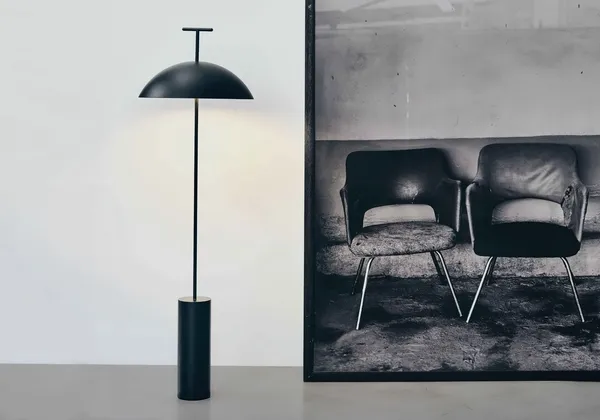
Fabric, finish, and swappable parts
Shoppers can put a different back on an armchair and pick the upholstery fabric.

Shoppers pick the colors, materials, and parts and see exactly what they’ll order, in 3D and in their own room. Our 3D team builds the configurator for your product.
Contact usWe’ll quote a price once we’ve seen your product
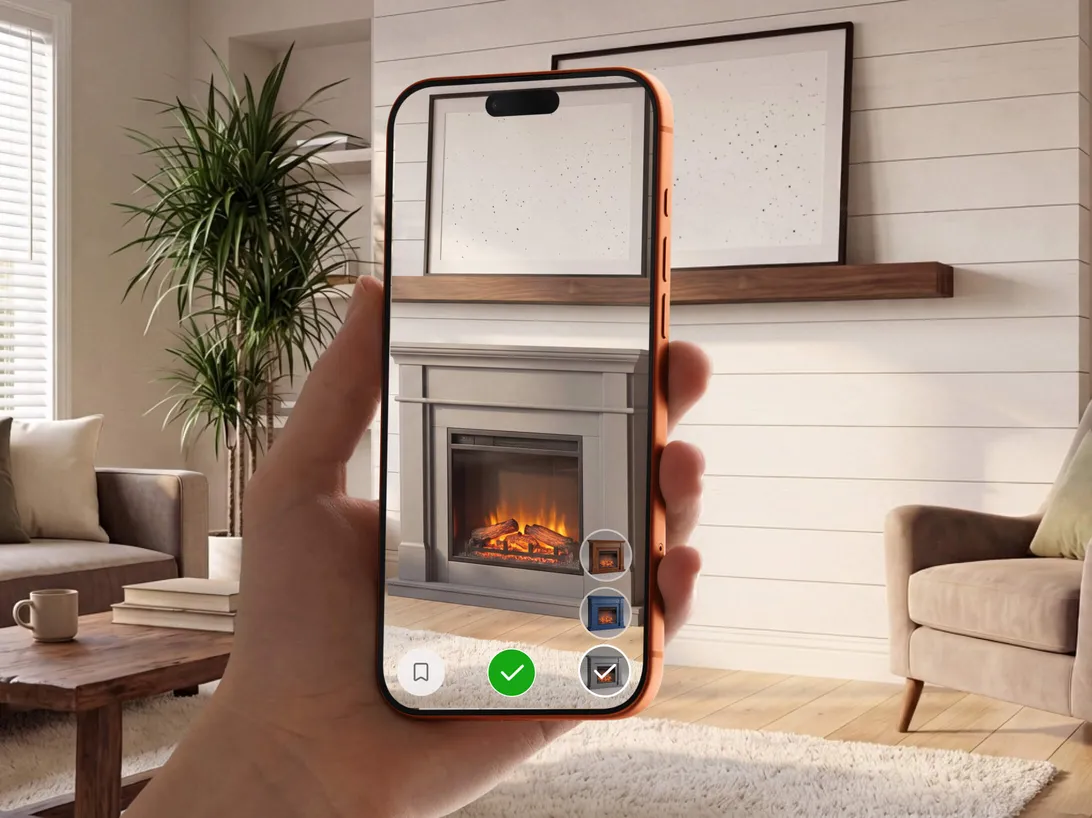





Switch the fireplace from corner to three-sided and try another surround, or pick a new cloth and wood for the pool table. Your interactive product configurator will work just like this on your product page. With an iPhone or Android phone, shoppers can place what they’ve built in their room and keep changing its colors, materials, and parts in AR.
A 3D product customizer lets shoppers replace whole parts, like the arms on a sofa or the shade on a lamp, and pick a color and material for each one. What they see is what they’ll get.
The 3D view shows the product’s dimensions, too. If you want shoppers to be able to change the size, ask for it when you order your configurator.
Shoppers see what they’ve built in 3D, even if you’ve never shot it.
When you launch new colors, materials, or parts, send them over, and we’ll add them.
The stats show how many times shoppers viewed the product in 3D and opened it in AR.
in sales, on average, for Amazon listings where shoppers can view the product in their room
Amazon, 2023 study, data from US programs · Amazon seller guide
fewer style-related returns on Amazon for furniture, clothing, and accessories that shoppers viewed in AR
Amazon, 2024 Sustainability Report, p. 36
No 3D model yet? Our 3D team will make one first, then build the configurator from it.
Send us a link to your product
Include a list of the colors, materials, and parts your shoppers will choose from.
We quote a price and build your configurator
We go over the scope with you, then tell you what it will cost and how long it will take.
Add the configurator to your product page
Embed it with code, following our instructions. Shoppers can customize the product on the page and see it in their room. You get stats on 3D and AR views.
Tell us what shoppers should be able to change on your product. We’ll tailor the configurator to those options.
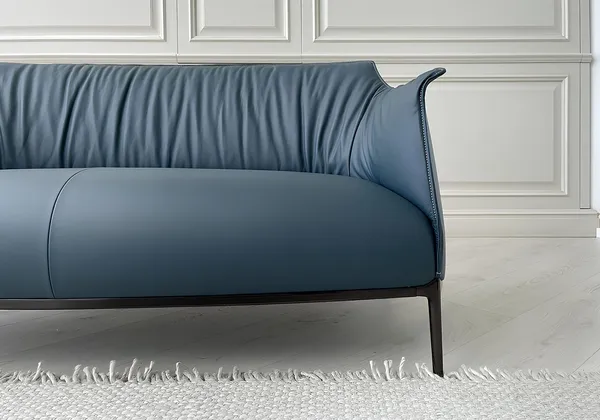
Fabric, finish, and swappable parts
Shoppers can put a different back on an armchair and pick the upholstery fabric.
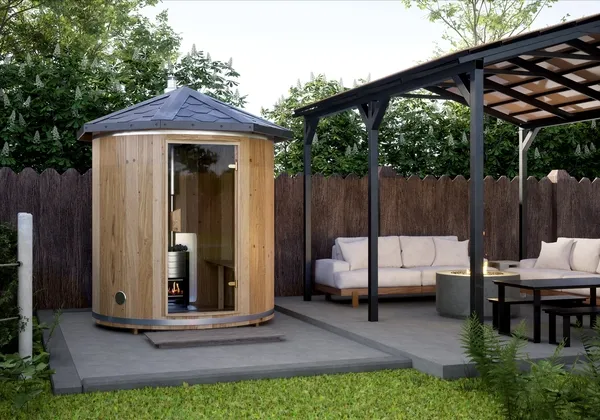
Wood type and color
Shoppers can choose the wood for a sauna or the cabinet color for a hot tub.
Cabinet color and finish
An operator can build a vending machine with the cabinet color and finish they need.
The build price depends on your product and on how many colors, materials, and swappable parts go into the configurator. You’ll get a quote and a timeline once we’ve seen your product. After launch, the configurator falls under standard Core AR pricing, where 3D views are free.
As many as your product needs. We’ll work out the scope with you, and that’s what sets the price.
Yes, as a separate job with its own quote. Our support team answers questions about the configurator you already have.
Yes. We build the configurator from a 3D model, and we’ll make the model for you if you don’t have one. A link to your product page is often all we need. If the page doesn’t show everything, send photos of the product from every side, plus its dimensions. Add photos of any missing colors or parts, like a sofa with different arms or in another upholstery color.
Both iPhone and Android. Shoppers on a computer scan a QR code, and what they’ve built opens on their phone. Either way, shoppers can keep changing it in AR.
No. The configurator and AR work without installing anything.
Any site. You add it with code, and we’ll send you instructions.
Yes, Core AR does that too. It shows the product in 3D and AR on its product page, through a link, or with a QR code. Shoppers can spin the product and zoom in on it in 3D, then place it in their own room in AR. Learn more about Core AR →
Shoppers build the product they want on your page and see it in their room before they order. List the options you plan to offer. Your quote will include a timeline.
We use cookies and similar technologies to run this site, measure how it is used, and show relevant advertising. Read our Cookie Policy and Privacy Policy. California residents and others with the right may opt out of the sale or sharing of personal information.