
Publish your objects to Vizbl catalog
Learn how to list your models in the Vizbl catalog and set up your public profile.
The Vizbl catalog is where users showcase their products for AR viewing and link customers directly to their store to make a purchase.
Publishing an object:
- Open your dashboard and click 3D Models in the top navigation bar.
- Click an object’s preview image to open it.
- Turn on Publish to catalog.
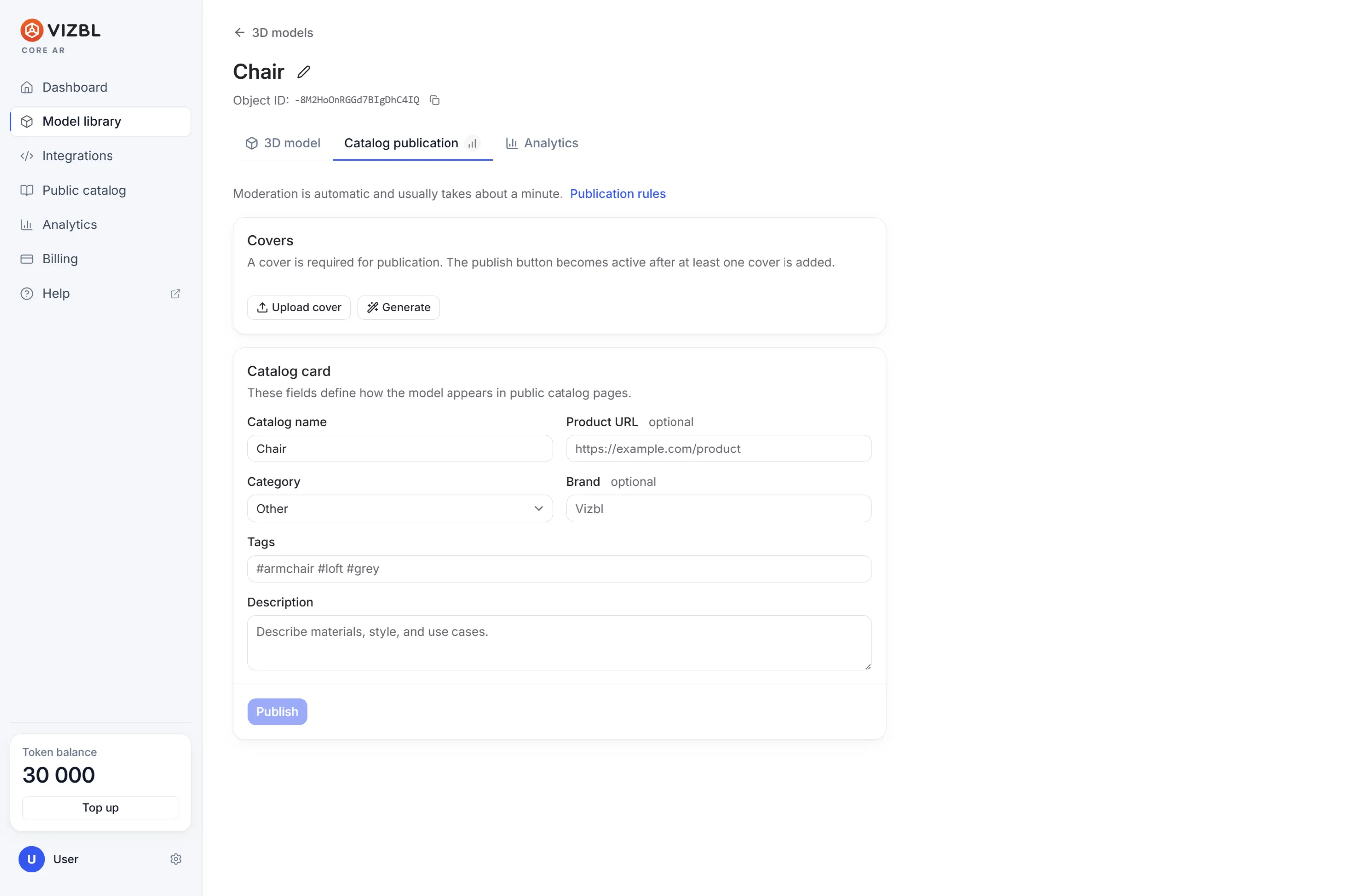
A set of additional fields will appear:
- Product preview — upload your own photos or click Generate to have Vizbl create one from your model.
- Destination URL — your product page link, so catalog visitors can head straight to your store.
- Category — where your product shows up in the catalog, such as home décor or appliances.
- Brand — the manufacturer.
- Tags — keywords that help people find your product.
Hit Save changes and your object goes live in the catalog.
**Customizing your catalog profile
**Click Catalog in the top navigation bar. Upload a profile picture and background image, and see everything you’ve published in one place.
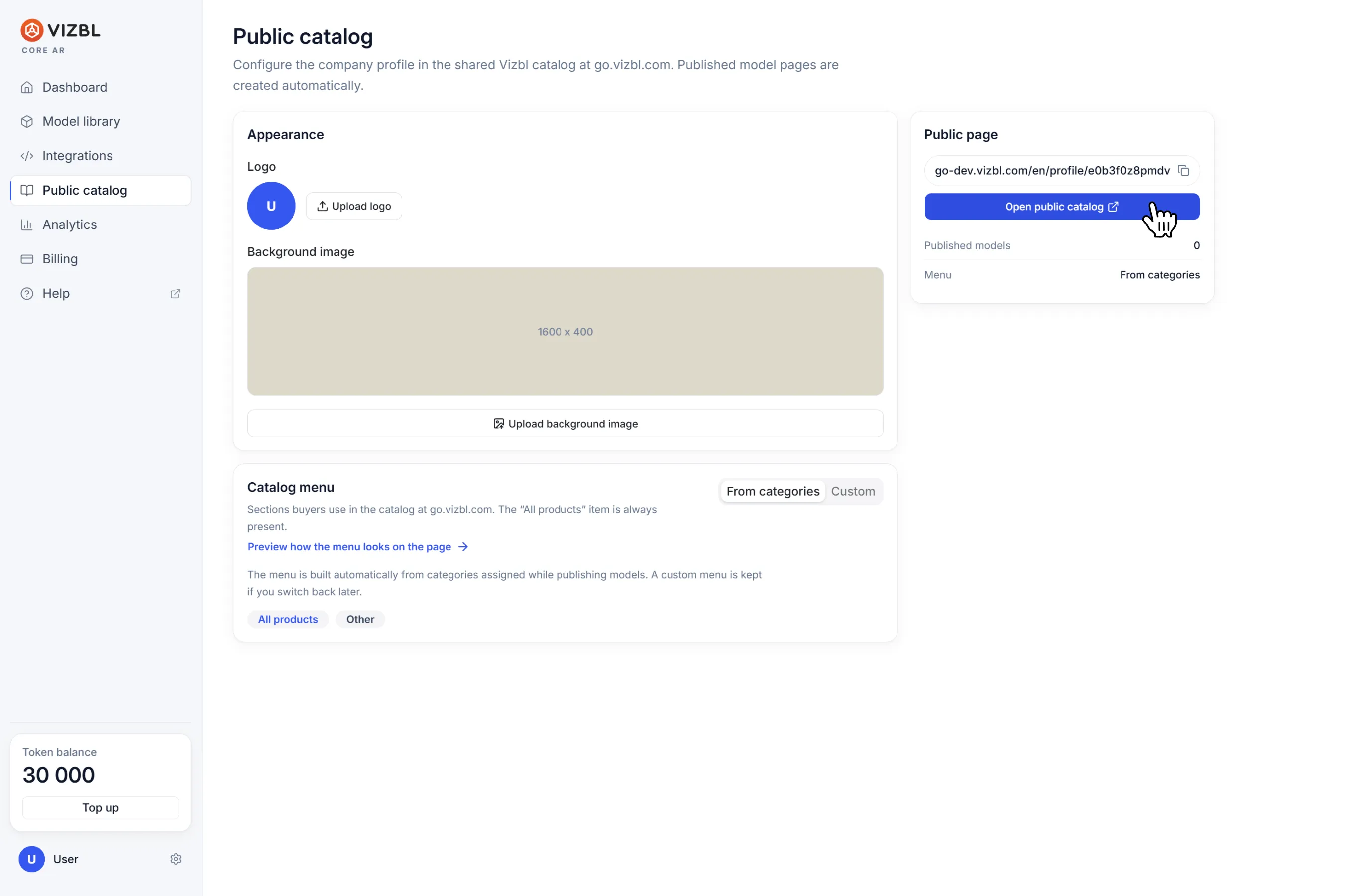
Your public profile link sits in the top-right corner — copy it and share it wherever you need.
Get help in our Discord
Join our Discord to ask questions about these instructions or get technical support. If something isn’t working, open a ticket and our team will investigate.