· AR · 4 min read
Augmented reality scanner: when the physical world becomes clickable
An augmented reality (AR) scanner transforms the way people interact with the physical world by turning real objects and spaces into digital, interactive experiences. Unlike traditional scanners that simply capture data, AR scanners understand depth, recognize surfaces, and anchor digital content to real environments in real time, allowing users to explore and engage with their surroundings through their devices. Modern AR scanner apps—available on smartphones and tablets across iOS and Android—enable activities like scanning rooms, animating objects, and attaching media or information to physical spaces without special hardware. As the technology spreads across industries such as retail, education, and design, AR scanners are reshaping how people access information and experiences, making the real world itself an interactive platform.
There’s a quiet shift happening in how we experience the world. We’re no longer just looking at things—we’re scanning, understanding, and interacting with them. At the center of that shift is the augmented reality scanner.
An AR scanner doesn’t just capture reality. It interprets it, layers meaning on top of it, and invites people to play, explore, and engage. Whether it’s a product, a room, or an object, AR scanning turns the physical into something digital, interactive, and alive.
And honestly? Once you start using a good one, it’s hard to go back.
What Makes an Augmented Reality Scanner Different?
A traditional scanner captures data and stops there. An augmented reality scanner interactive experience goes further—it responds to the user in real time.
An AR scanner:
- Understands depth and space
- Recognizes surfaces and objects
- Anchors digital content to the real world
- Updates instantly as you move
This is why augmented reality scanners feel less like tools and more like interfaces. You’re not just scanning—you’re co-creating with the environment.
That’s also why 3D scanner augmented reality solutions are exploding across industries, from retail and real estate to education and immersive media.
The Rise of the AR Scanner App
The modern AR scanner app lives on devices people already carry every day. Phones and tablets have quietly become powerful spatial computers.
Today, an AR scanner app can:
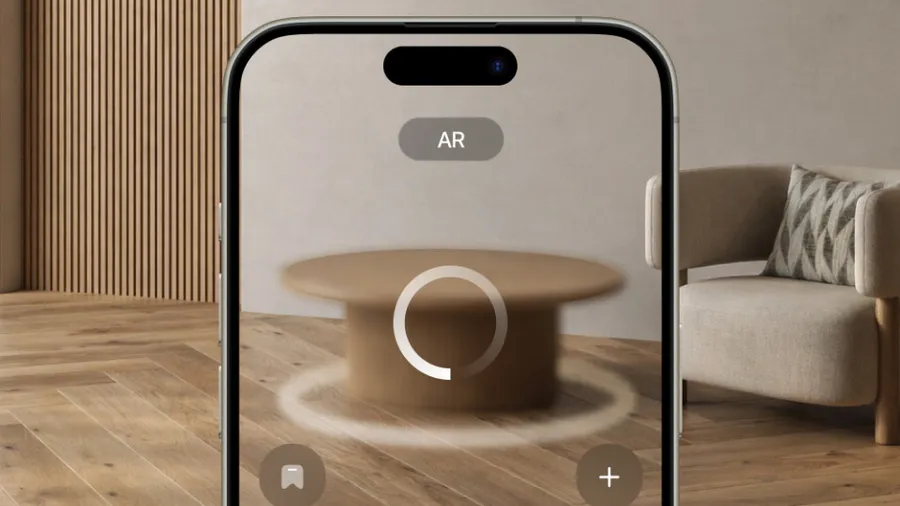
- Turn a living room into a design canvas
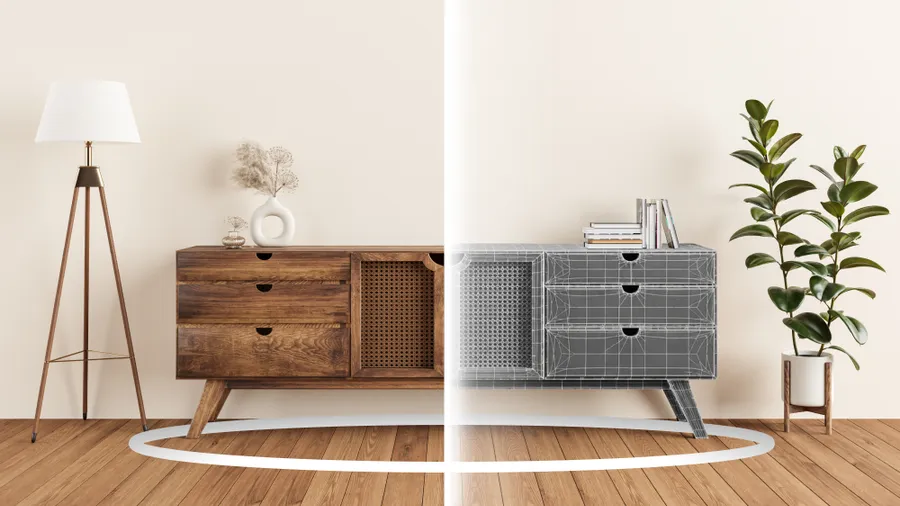
- Scan an object and animate it
- Attach stories, data, or media to physical spaces
- Enable interactive brand experiences
The best part? No headsets required. Just open the app, point your camera, and the world responds.
Read Also: Augmented Reality Furniture on Android: From Guesswork to “Yeah, This Feels Right”
AR Scanner iOS, Android, iPhone, and iPad: What’s the Difference?
AR Scanner iOS & iPhone AR Scanner
Apple devices have set a high bar for mobile AR. A modern AR scanner iOS experience feels smooth, fast, and surprisingly precise.
- AR scanner iPhone solutions benefit from advanced cameras and depth sensing
- iPhone AR scanner apps are especially strong for object and room scanning
- Motion tracking and surface detection feel natural and responsive
If you’re looking for reliability and polish, many creators consider iOS devices home to the best augmented reality scanner experiences.
Augmented Reality iPad 3D Scanner
An augmented reality iPad 3D scanner deserves special mention. The larger screen makes spatial interactions easier to understand, especially for professionals working in architecture, education, or design.
It’s not just bigger—it’s clearer. You see more space, more detail, and more possibility.
AR Scanner Android
An AR scanner Android setup offers flexibility and reach. With a wide range of devices and price points, Android opens AR scanning to massive audiences.
While performance can vary by hardware, newer Android phones deliver impressive results, especially for interactive and experimental AR projects.
What Scanner Is Best for Use With Augmented Reality?
This is the question everyone asks—and the honest answer is: it depends on what you want to build.
The best augmented reality scanner for you depends on:
- Whether you need precise 3D capture or playful interaction
- Your target audience (iOS vs Android)
- Real-time interactivity vs static scans
- Integration with AR, web, or immersive platforms
If your goal is engagement, look for an augmented reality scanner interactive enough to respond instantly to users. If your goal is accuracy, prioritize depth sensing and spatial mapping. The sweet spot is where both meet.
Why Augmented Reality Scanners Matter (More Than You Think)
AR scanners are changing behavior, not just technology.
People don’t want static content anymore. They want to:
- Tap objects and unlock stories
- Move through spaces that respond to them
- See information where it makes sense, not on a flat screen
That’s why augmented reality scanners are becoming foundational to spatial experiences. They turn environments into platforms and objects into touchpoints.
For brands, creators, and platforms like Vizbl, this means one thing: the real world is now interactive media.
The Future of AR Scanning Is Human
As AR scanning evolves, it’s becoming less technical and more intuitive. Less “scan this” and more “explore that.” Future AR scanner apps will feel conversational, contextual, and personal.
Soon, scanning won’t feel like an action at all. It’ll feel like curiosity.
And when that happens, the augmented reality scanner won’t just be a feature—it’ll be how people understand the world around them.