
Setting up your Vizbl account
Learn how to register, set up your profile and configure account security.
Registration
- Go to vizbl.com and click Sign In.
- Click Sign Up, then enter your email, create a password, and select your region.
- Your account will be created and your dashboard will open.
One account covers all Vizbl workspaces — Core AR, Wall Art, Flooring, Rugs, and AI Try-On. Settings and profile info are shared across all of them.
Account settings
Click your profile picture in the bottom-left corner of the dashboard to open account settings.
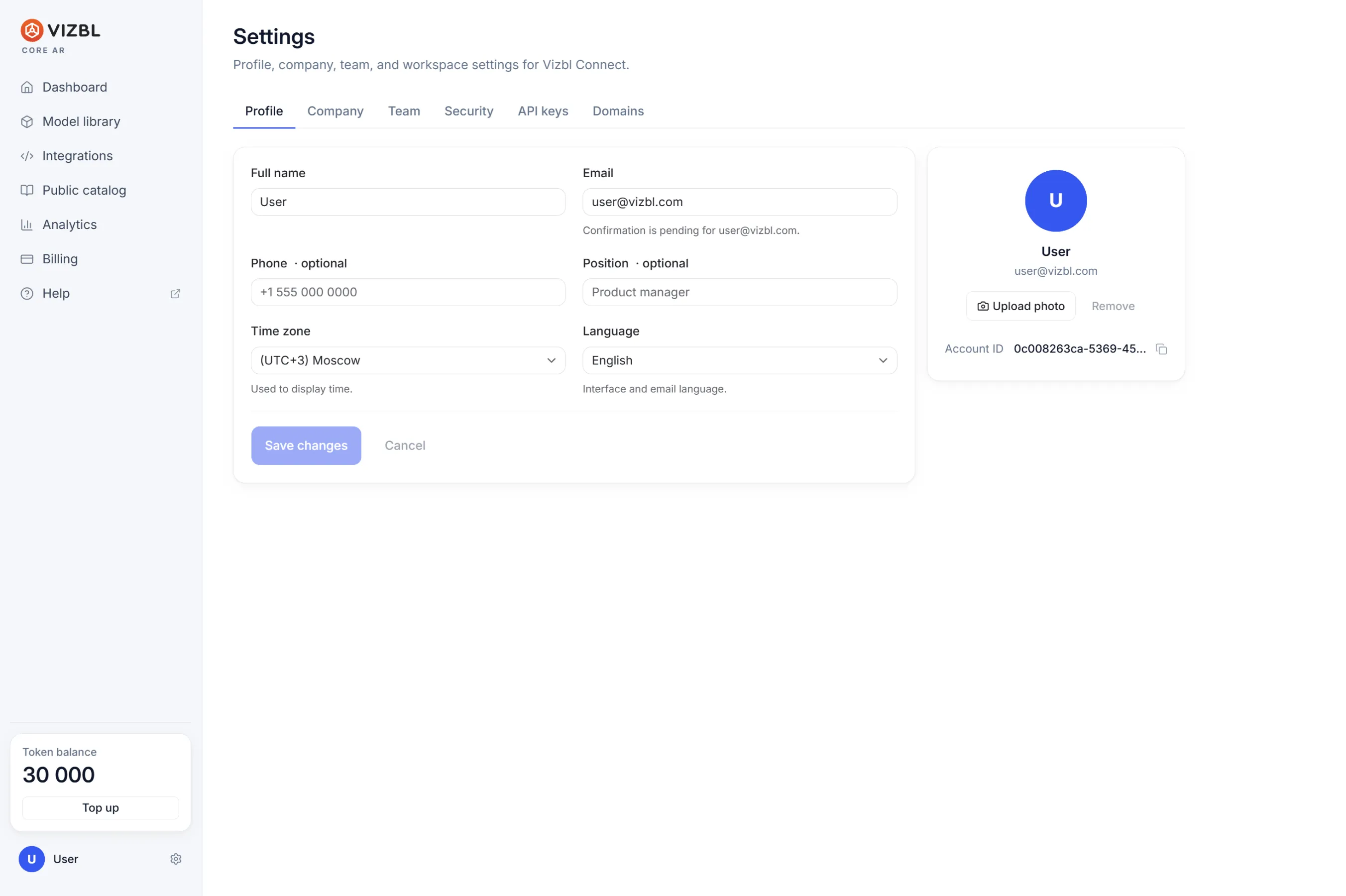
**Profile
**Update your name, email, phone number, and job title. Set your timezone and preferred interface language. You can also sign out of your current session here.
**Company
**Add your company name, legal entity details, email, website, industry, size, and address. You’ll need to fill this in to receive invoices issued to a legal entity.
**Team
**Add teammates to your workspace and control what they can access. See the separate guide for details.
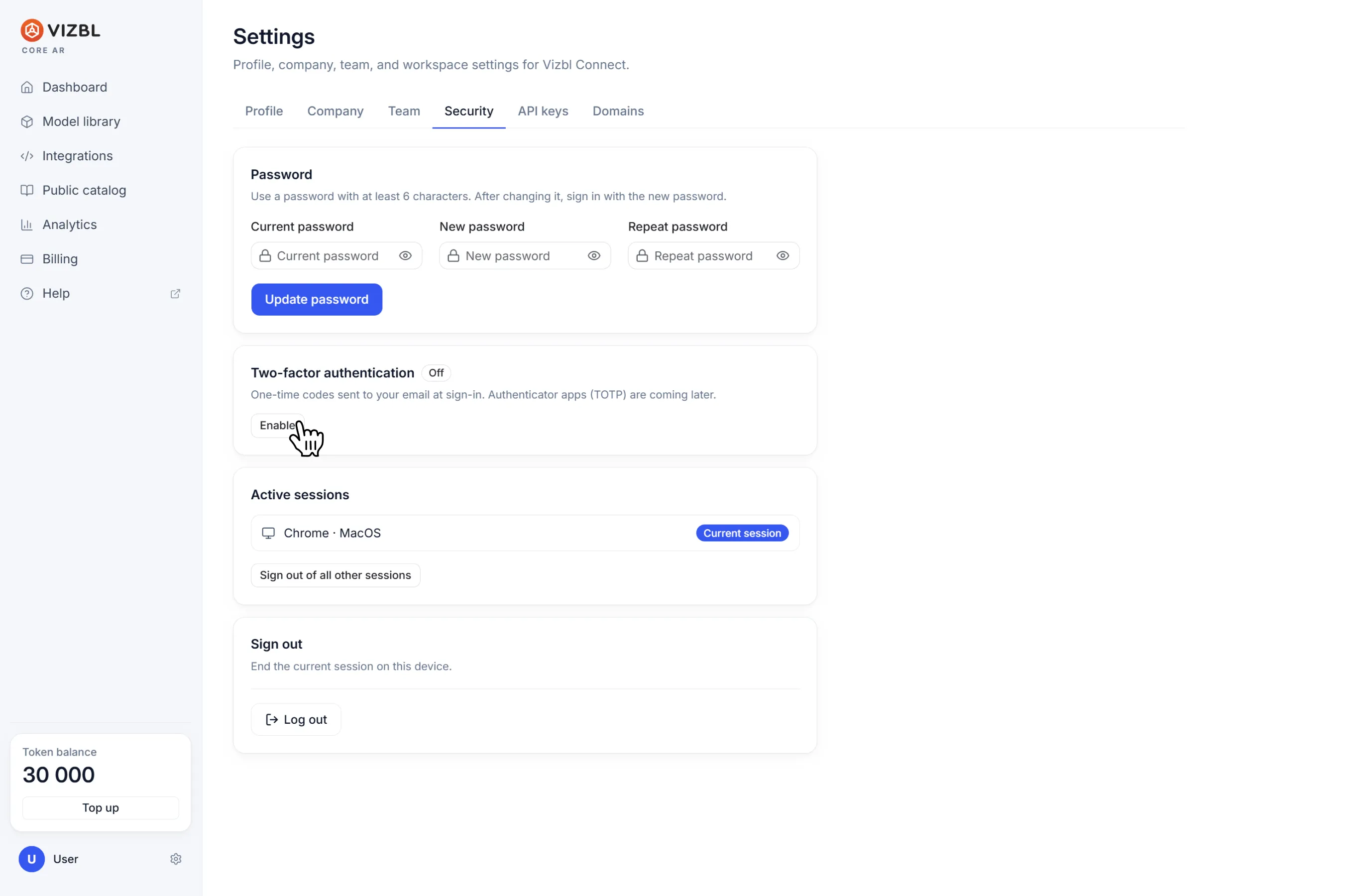
**Security
**Change your password and enable two-factor authentication. Check your active sessions and sign out of any of them remotely.
**API keys
**Secret keys for server-side access to the Vizbl API — separate from your domain list and not used for site integrations. See the separate guide for details.
**Domains
**Manage the domains where your Vizbl public integrations are allowed to run. Domains are independent of your API keys. See the separate guide for instructions on adding them.
**Notifications
**Manage your email and in-dashboard notification preferences.
Get help in our Discord
Join our Discord to ask questions about these instructions or get technical support. If something isn’t working, open a ticket and our team will investigate.