
Managing API keys
Create and manage secret keys for server-side integrations and applications.
Secret keys for server-side access to the Vizbl API. These are separate from your domain list and aren’t used for running integrations on your site.
To create a key, click Create key, give it a name, and choose an access level:
- Read Only — read access to models, widgets, catalog, and analytics.
- Read & Write — read, create, and update models, widgets, and catalog.
- Full Access — everything in Read & Write, plus access to public workspace integrations.
No access level covers profile or team settings, password changes, or two-factor authentication.
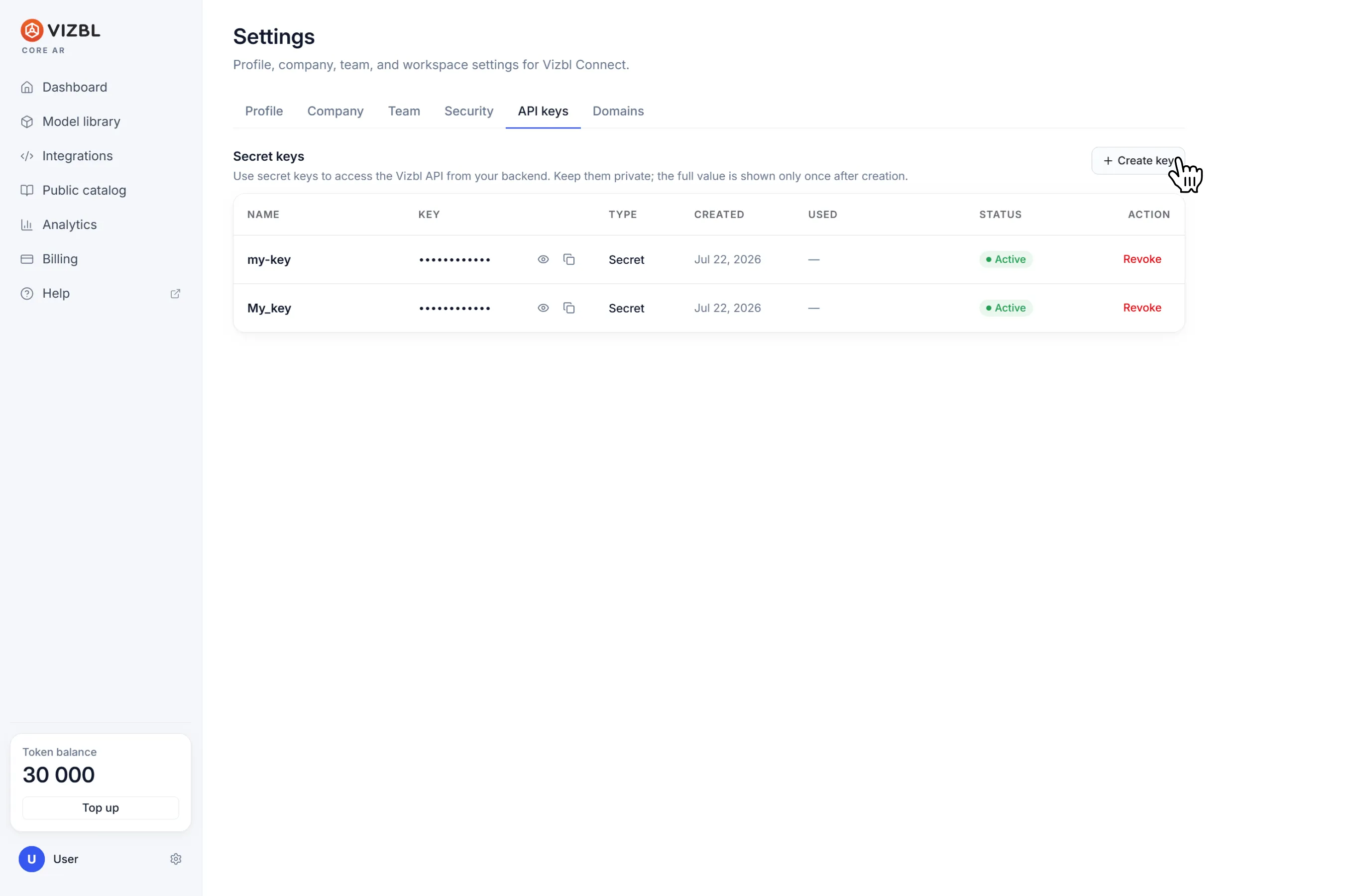
Once created, the key appears in the same window — copy it right away. The full key is only shown once. After you close the window, it’ll be masked.
Don’t paste secret keys into frontend code or any client-side application.
Keys can be revoked at any time from the API keys list.
Get help in our Discord
Join our Discord to ask questions about these instructions or get technical support. If something isn’t working, open a ticket and our team will investigate.