
Managing your team
Learn how to invite members to your workspace and manage their roles.
Click Invite member to add someone to your workspace. Enter their email and assign a role — they’ll get an invitation link valid for 7 days.
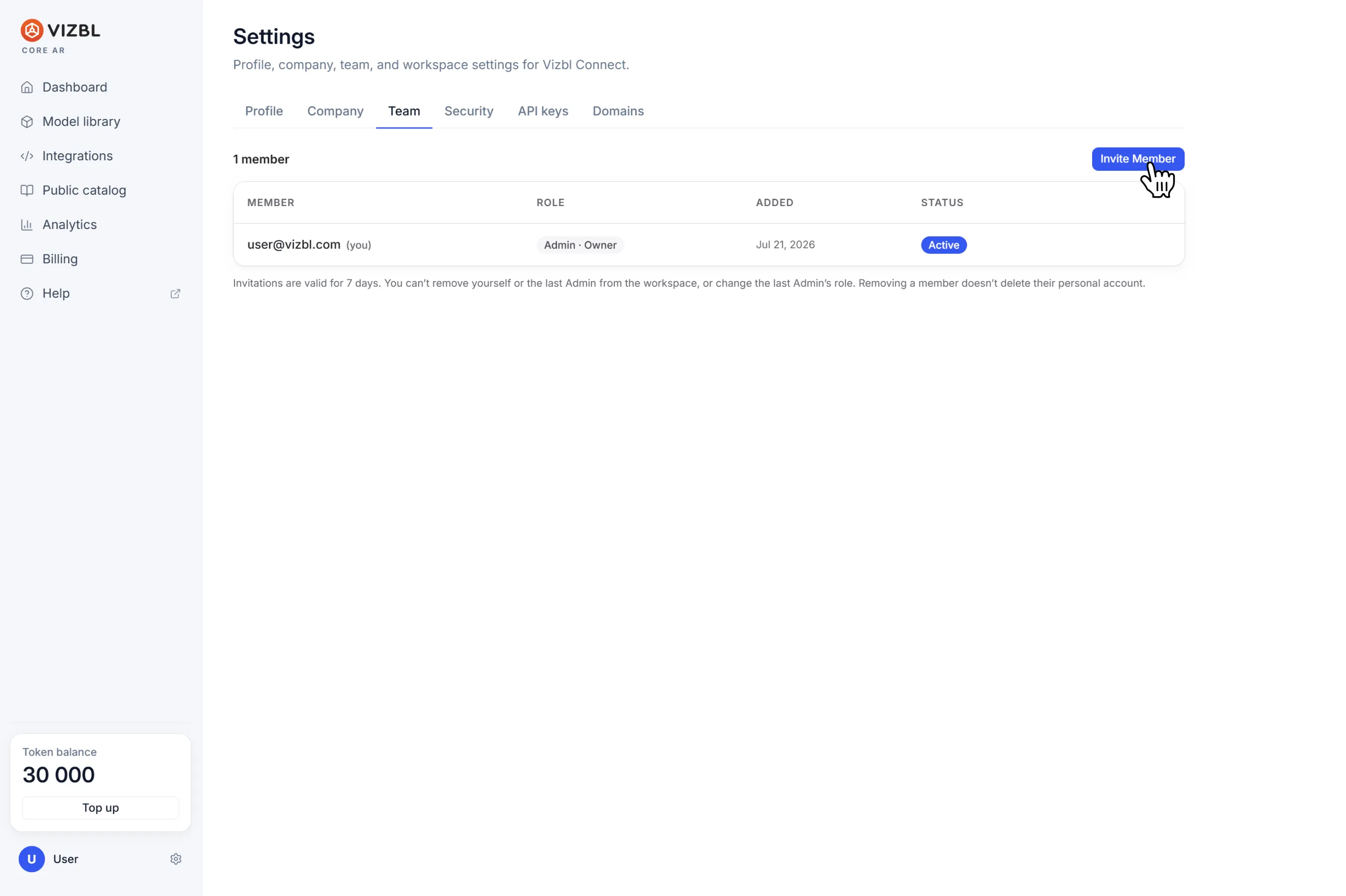
Roles control what each member can do:
- Viewer — view models only.
- Editor — upload models and manage the public catalog profile.
- Admin — full workspace access. Everything an Editor can do, plus managing settings, inviting and removing members, creating API keys, and adding domains.
To change a role or remove someone, click the three-dot menu at the end of their row.
A workspace must always have at least one Admin — the last Admin can’t be removed or reassigned. Members can’t remove themselves from a workspace.
Removing someone from a workspace doesn’t delete their account.
If you have access to multiple workspaces, switch between them from the left panel above the menu.
Get help in our Discord
Join our Discord to ask questions about these instructions or get technical support. If something isn’t working, open a ticket and our team will investigate.