How to Invite Team Members to Vizbl
Learn how to invite team members to your Vizbl account
A team account allows multiple users to manage objects within the same catalog.
Team members can add, edit, and delete objects, while only the account owner can change settings and subscription plans.
Feature availability depends on your subscription plan.
Adding a Team Member
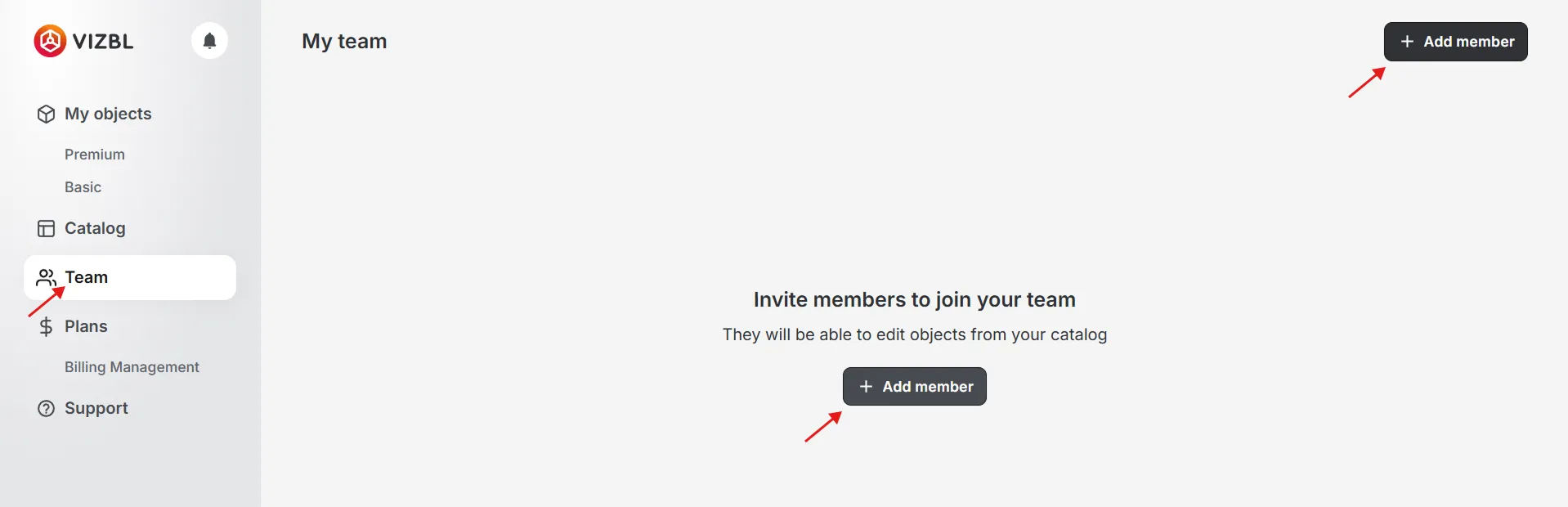
In your Vizbl account at vizbl.com/apps, go to the Team page and click Add member.
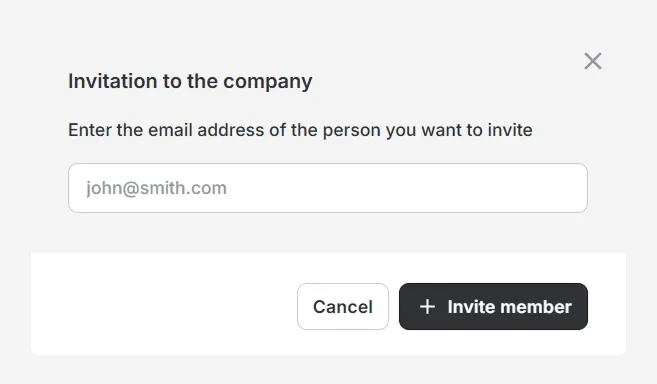
Enter the email address of the person to invite, then click Invite member.
If the person doesn’t have a Vizbl account, they’ll receive an email invitation to sign up.
Once invited, their name, email address, and status will appear on the Team page.
- Invited: The user has received the invitation but hasn’t accepted it yet.
- In Team: The user has accepted the invitation and can now manage objects within the team account.
Switching Between Accounts
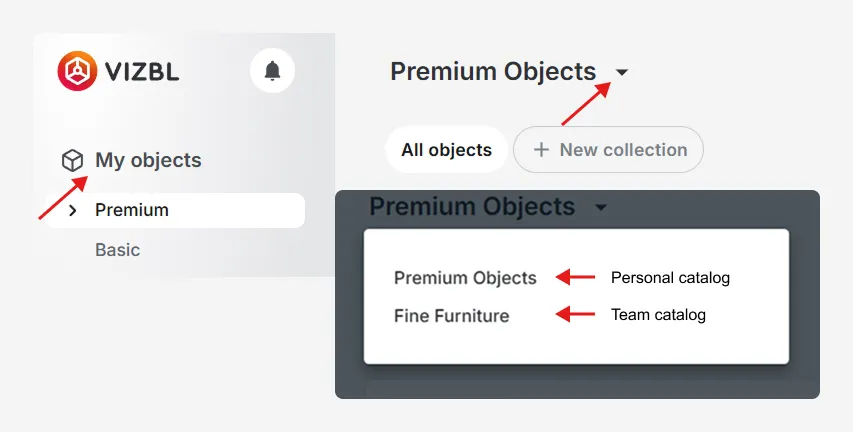
Team members can switch between their personal account and the team account to manage different objects.
This feature works the same way for both Basic and Premium objects.